

-
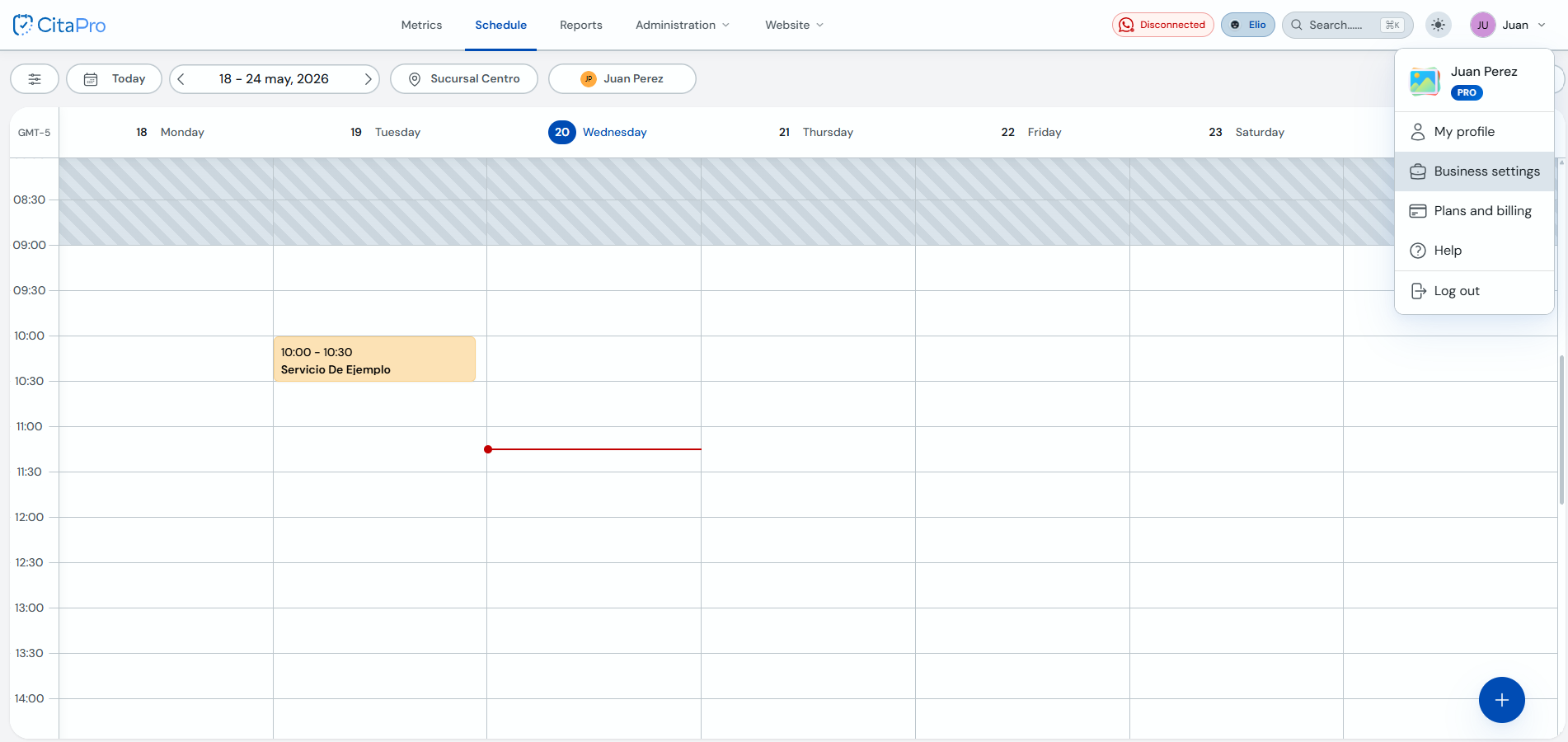
Go to Settings → General. Under "Business" you can edit your business information, such as language, currency, social media, phone number and more.
-
Fill in or update the fields you need and save changes.
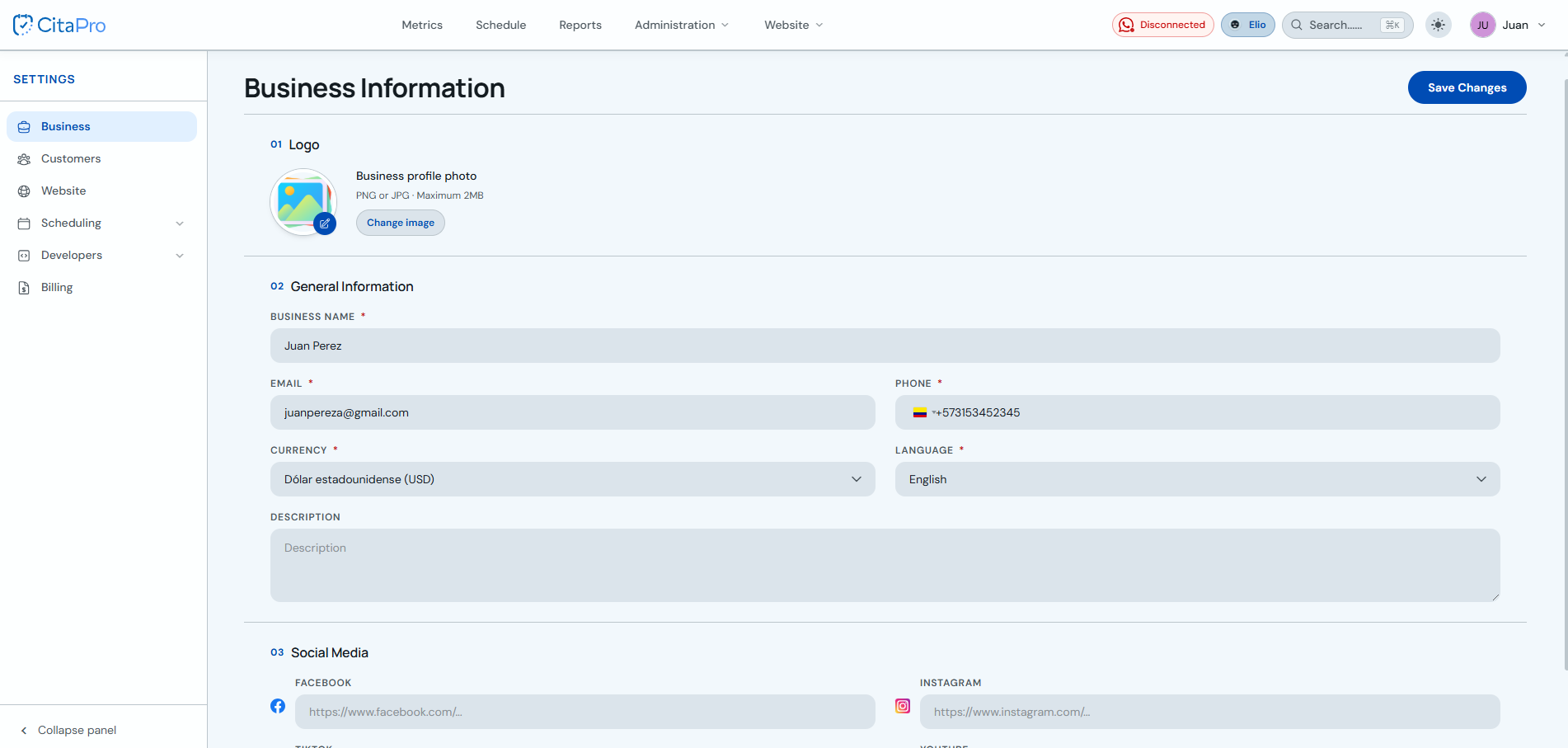
Set your business language and time zone before you start booking appointments, so schedules display correctly.