

-
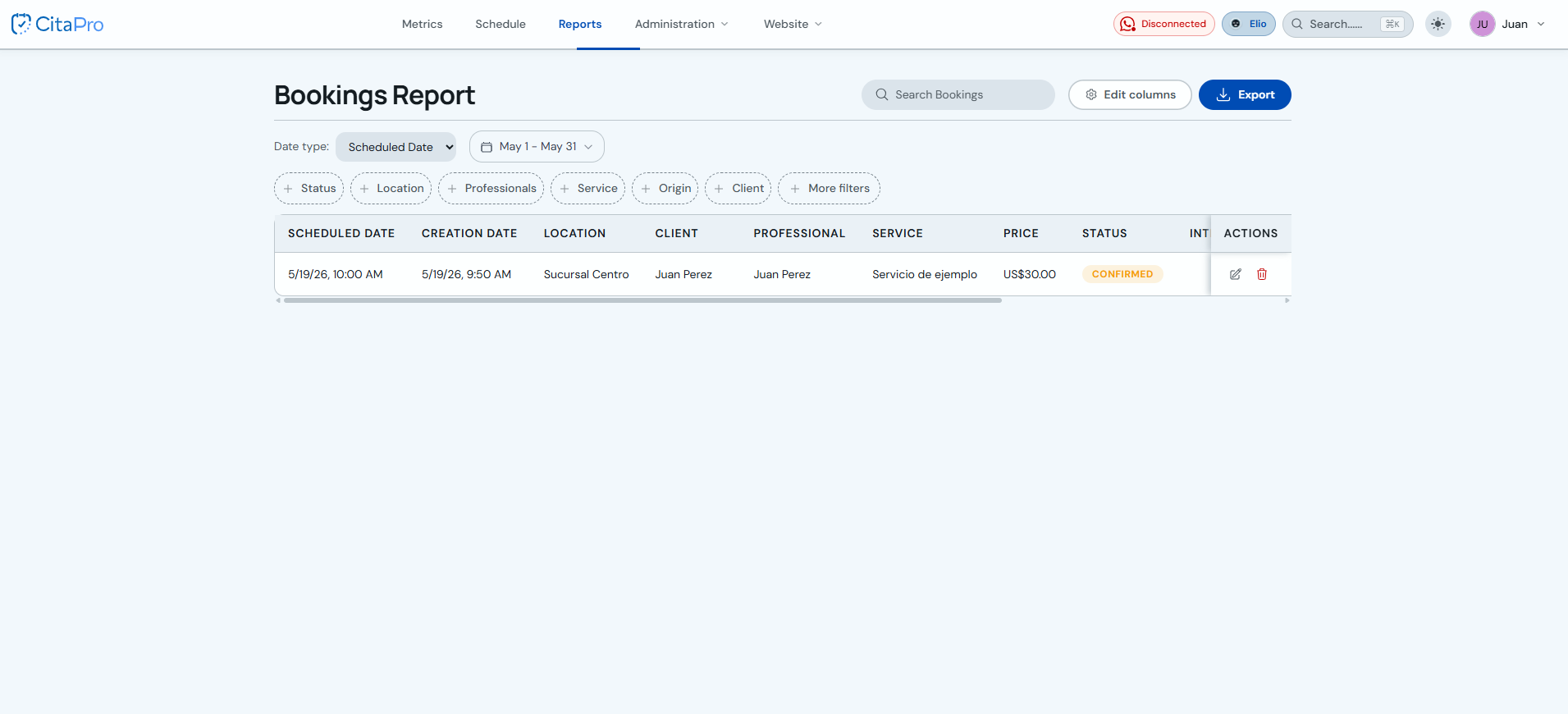
Go to the main menu: Menu → Reports → Bookings.
-
Apply the desired filters (date range, professional, service, status).
-
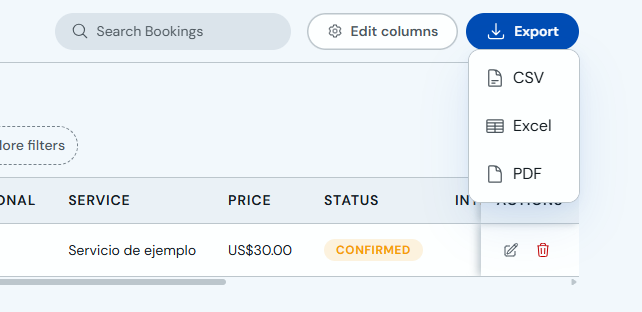
Click "Export" and choose whether to download as PDF, Excel or CSV.
-
The file will download to your device.
The export includes: date, time, client, service, professional, charged price and appointment status.