

-
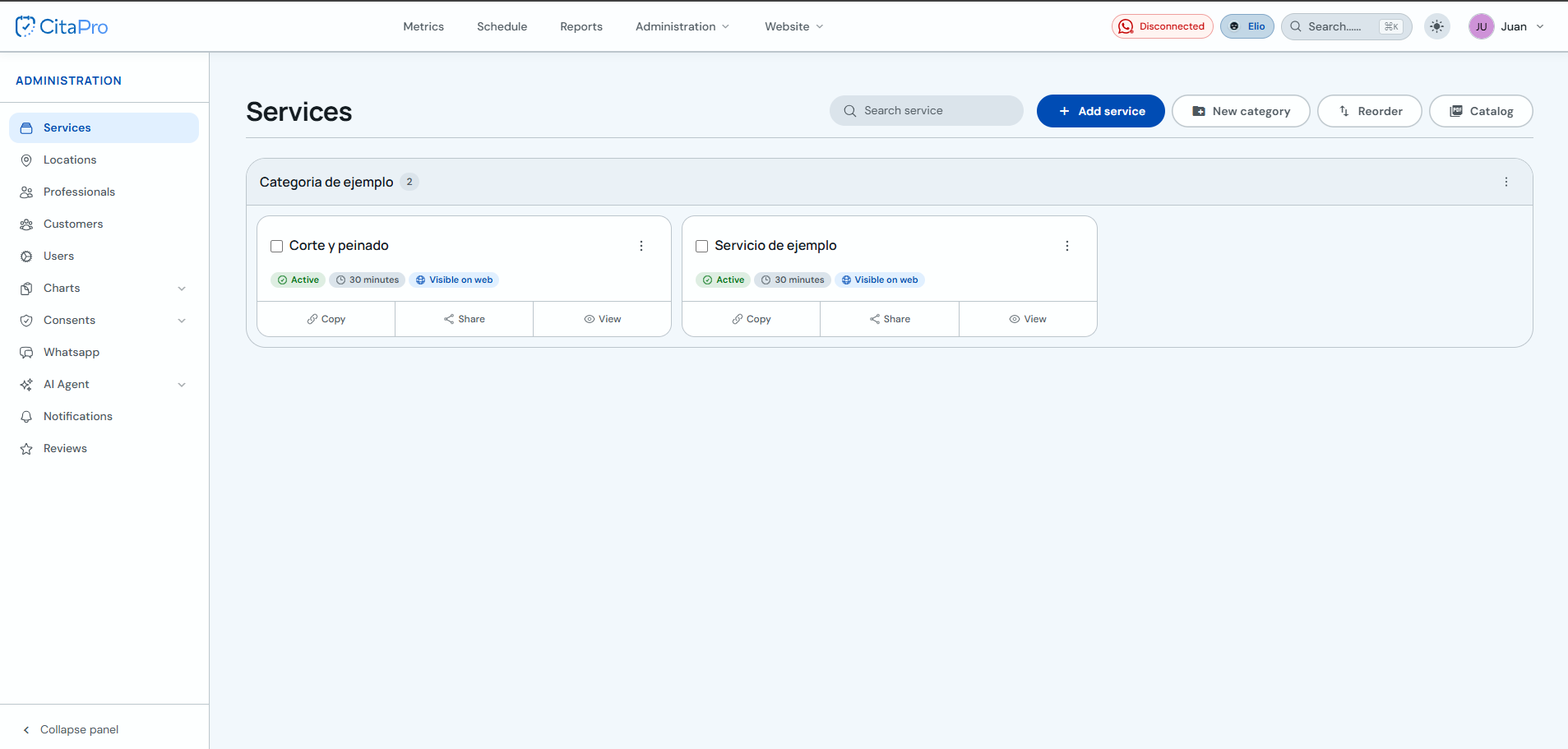
Go to Services and click "+ New service".
-
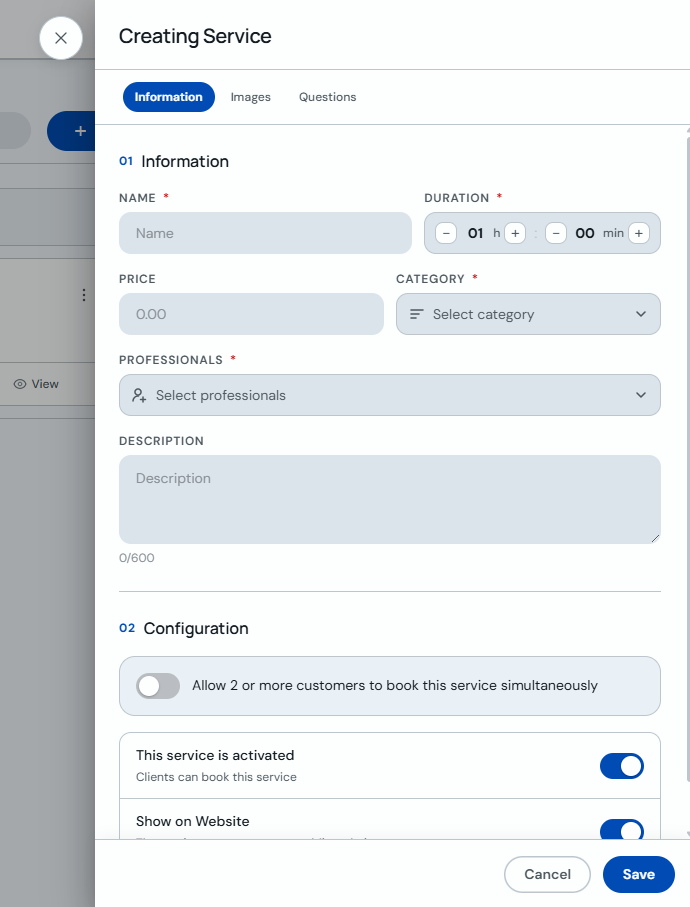
Enter the service name, set the price and duration in minutes, choose a category (or create a new one), assign the service to one or more professionals and click "Save".
-
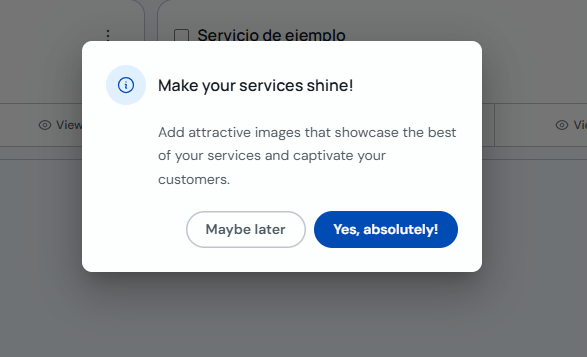
After saving, an alert will appear asking if you want to add images to the service.
-
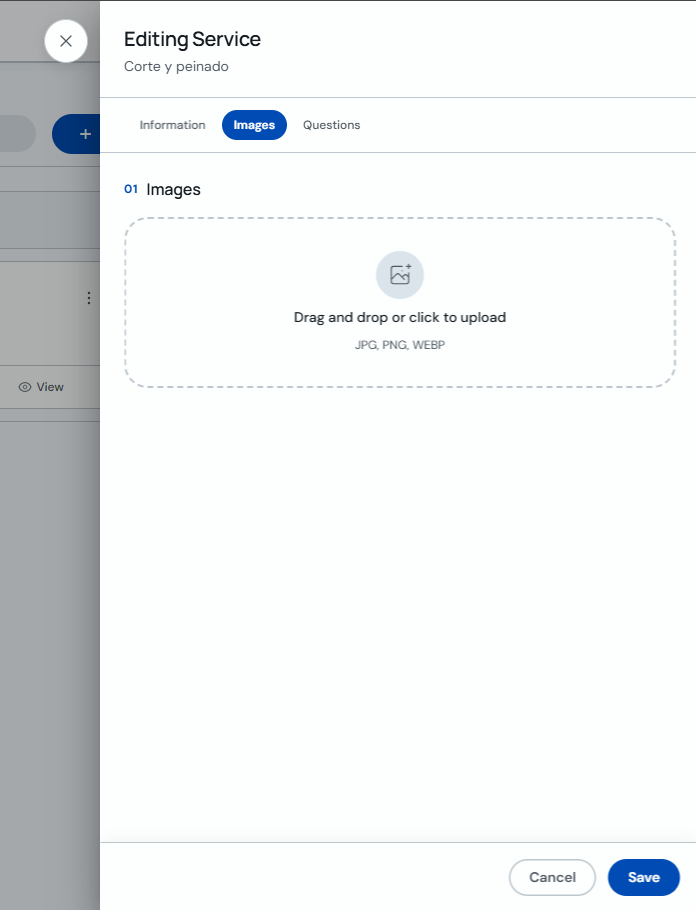
Add the images you want for the service.
You can mark a service as "Internal booking only" so it doesn't appear on your public booking page.