

-
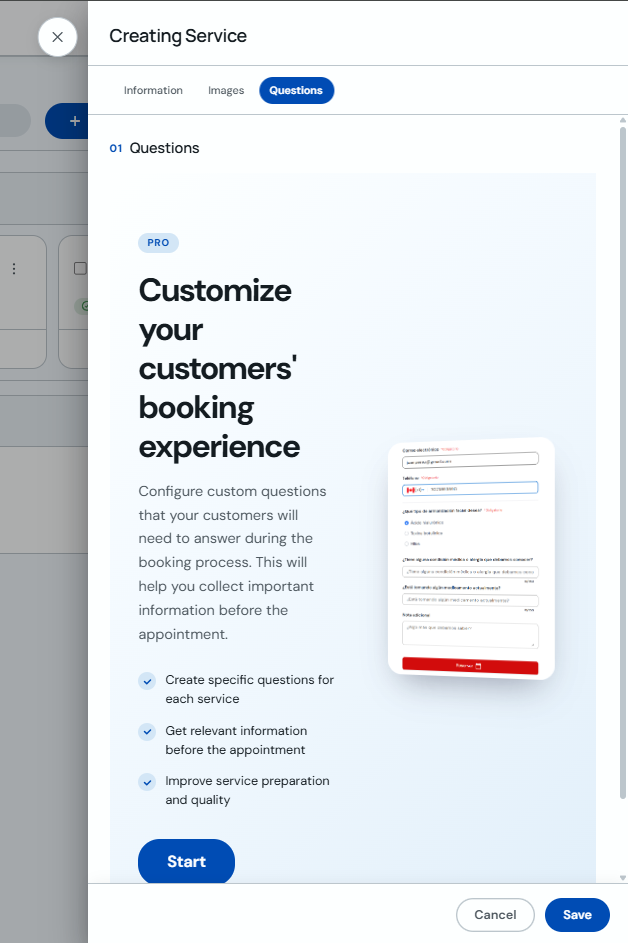
Open the service you want to edit, go to the "Questions" tab and click "Start".
-
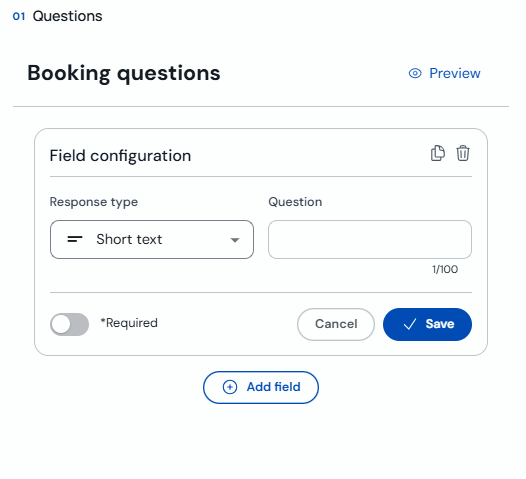
Under "Booking questions", add a field and enter the question the client will see. If the answer is required, turn on "Required".
-
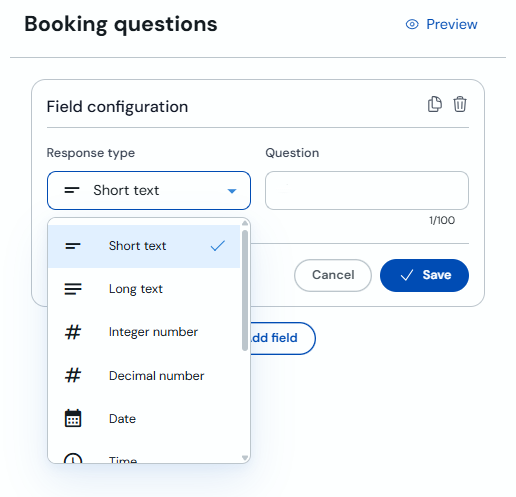
Choose the answer type, such as short text, long text, number, date or time, and save the field.
These questions will appear during the service booking flow to help you prepare each appointment better.