

Guided setup with Elio
After creating your account, Elio guides you step by step to prepare the essentials before receiving bookings: location details, schedule, team and services.
-
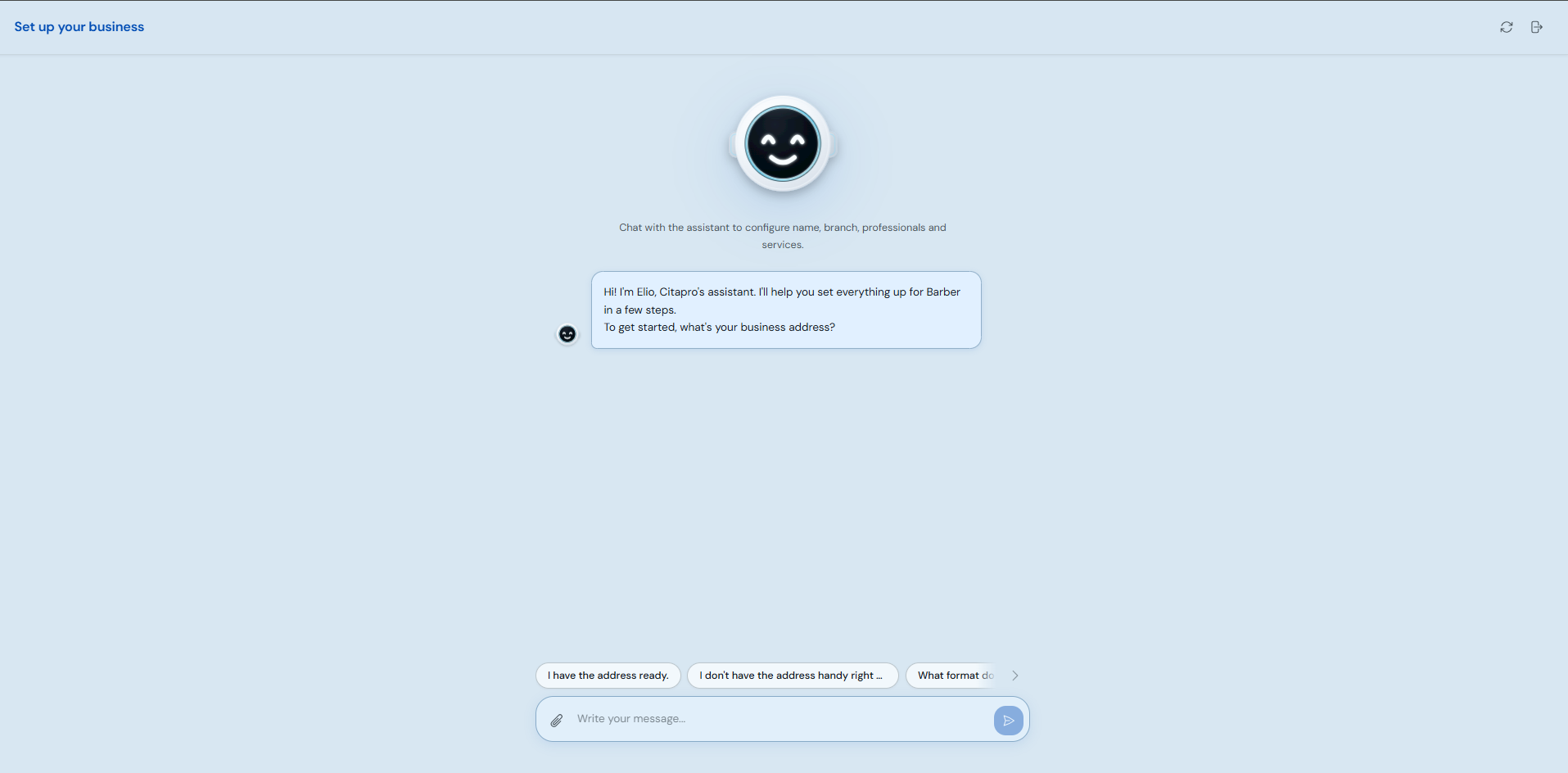
On "Set up your business", answer Elio's questions. Start by entering your business address or choose the option that fits if you do not have a location yet.
-
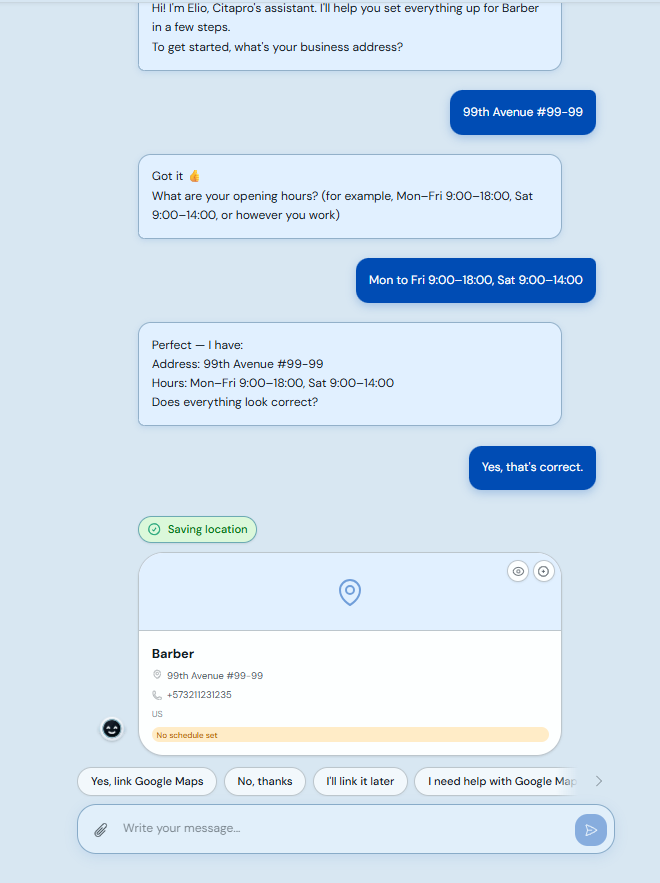
Complete the address, phone number and business hours. If you want clients to find the location easily, link it with Google Maps.
-
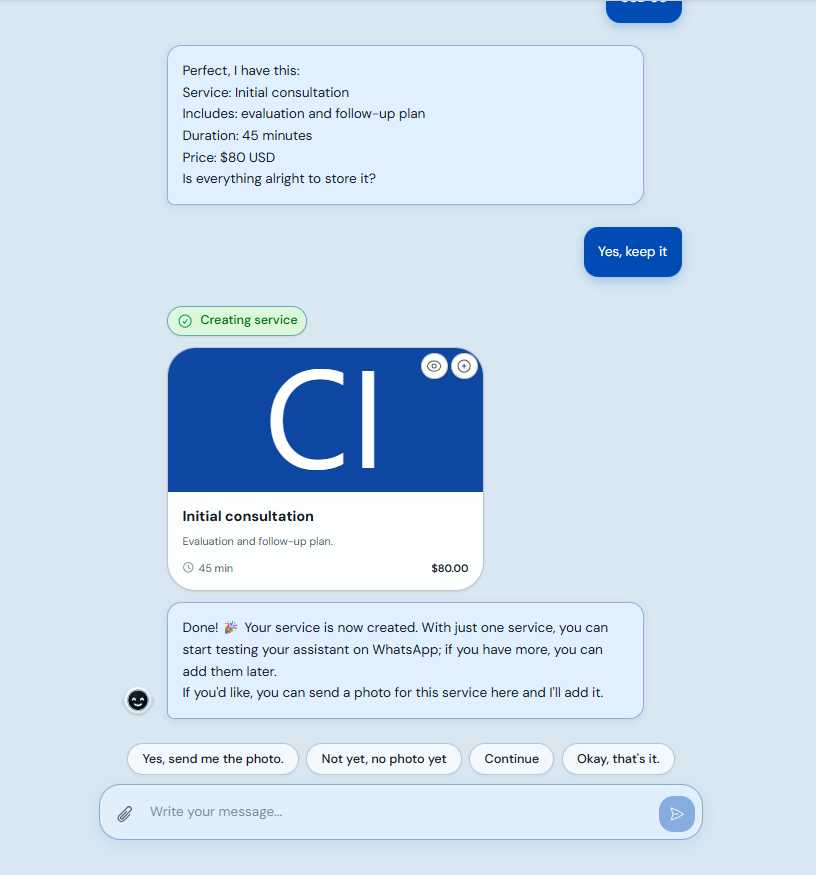
Create at least one main service with name, duration, price and a short description. This lets you start receiving bookings.
-
When you see "Your business is ready", click "Go to my account" to open the dashboard and review your calendar.
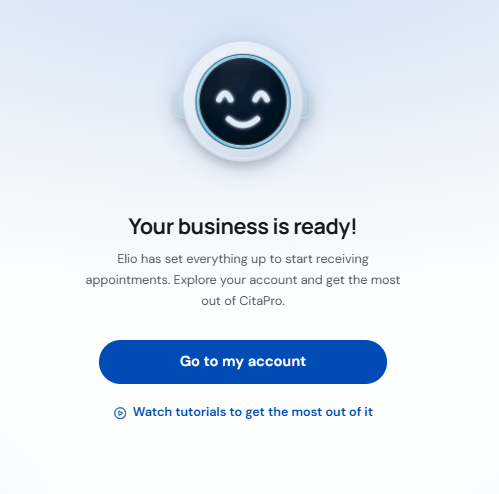
The information you set with Elio is used on your booking page, calendar and automatic communications. You can edit it later under Settings → Business.