

Sign up on CitaPro
You can create your account from the login page at https://www.citapro.app/. Registration includes a 7-day free trial with no credit card required.
-
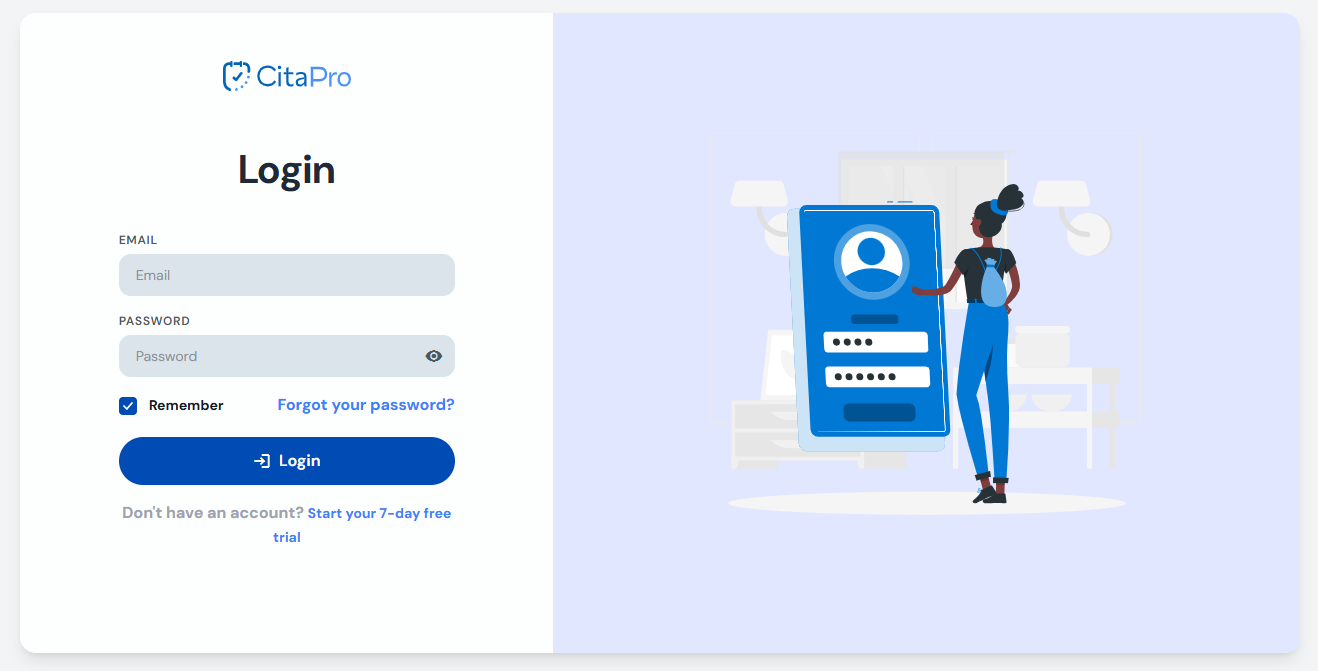
Go to https://www.citapro.app/. If you don't have an account yet, click "Start your 7-day free trial" below the login form.
-
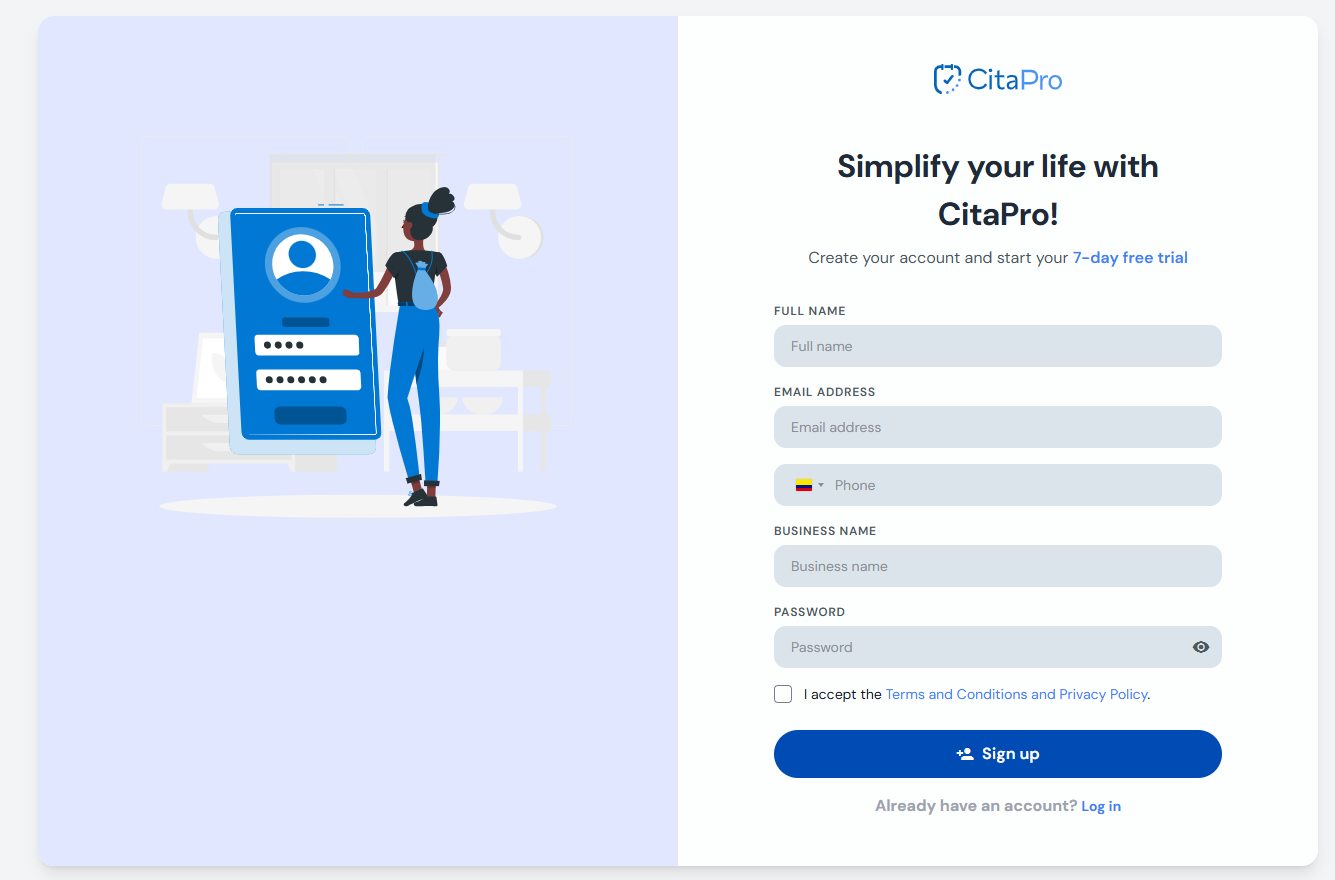
Fill in the registration form: full name, email, phone, business name and password. Accept the terms and click "Sign up".
-
Sign in and complete the Elio assistant to set up your business ( see the article ).
During the 7-day free trial you have full access to Pro+ features. No credit card required.