

Edit a professional
You can update an existing professional's information without creating a new record.
-
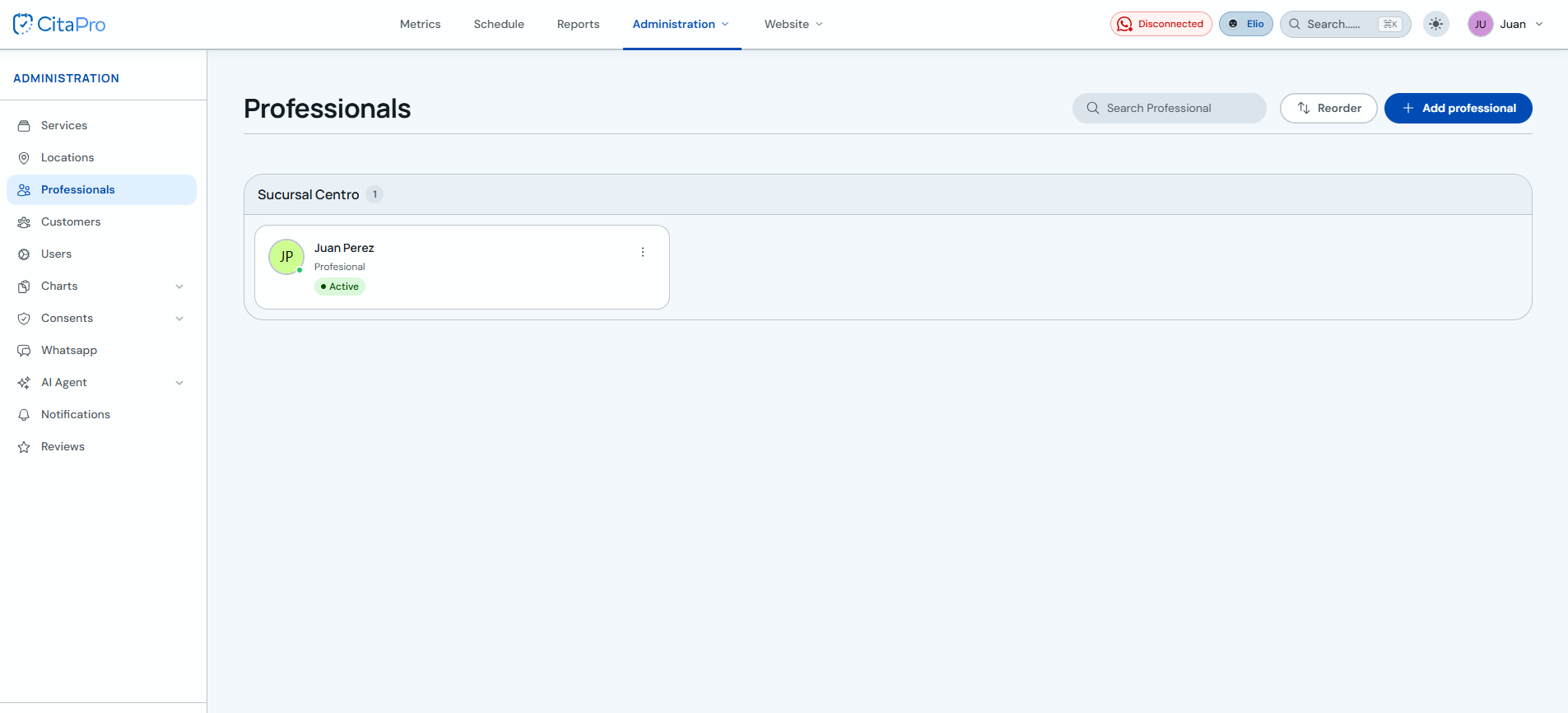
Go to Administration → Professionals and find the professional you want to edit.
-
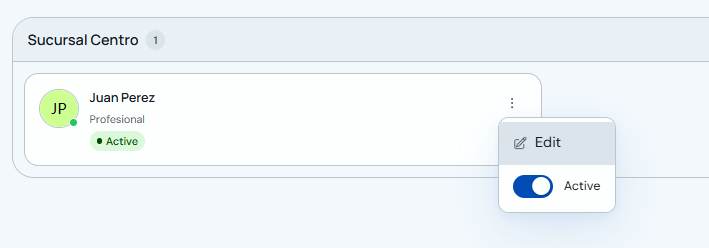
Open the professional three-dot menu and click "Edit".
-
Update the details on the "Information" tab and click "Save".
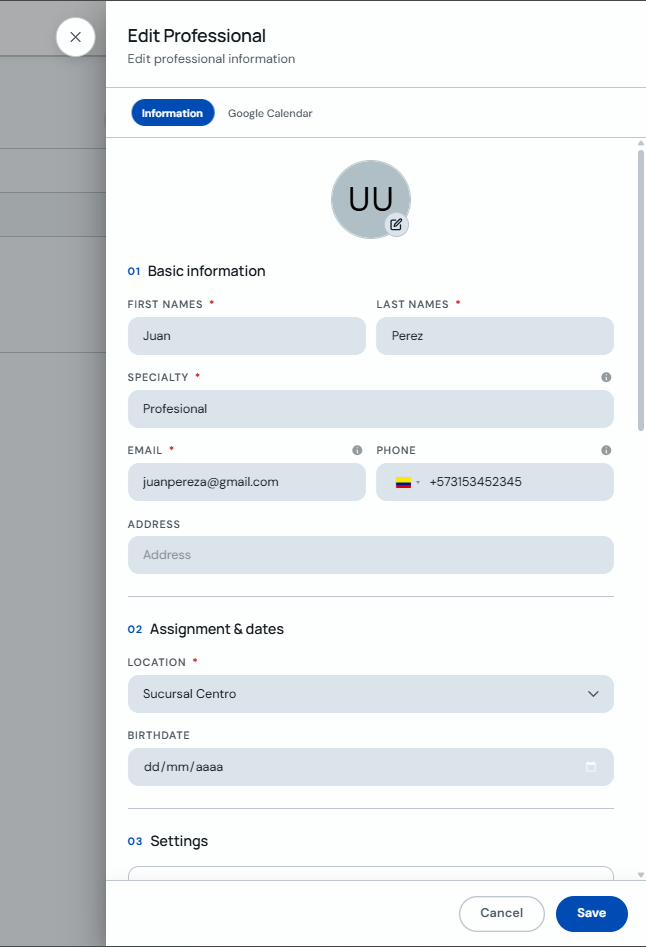
You can also manage Google Calendar sync from the corresponding tab in the same form.