

Reorganize professionals
You can group professionals by branch and change their display order by dragging the cards.
-
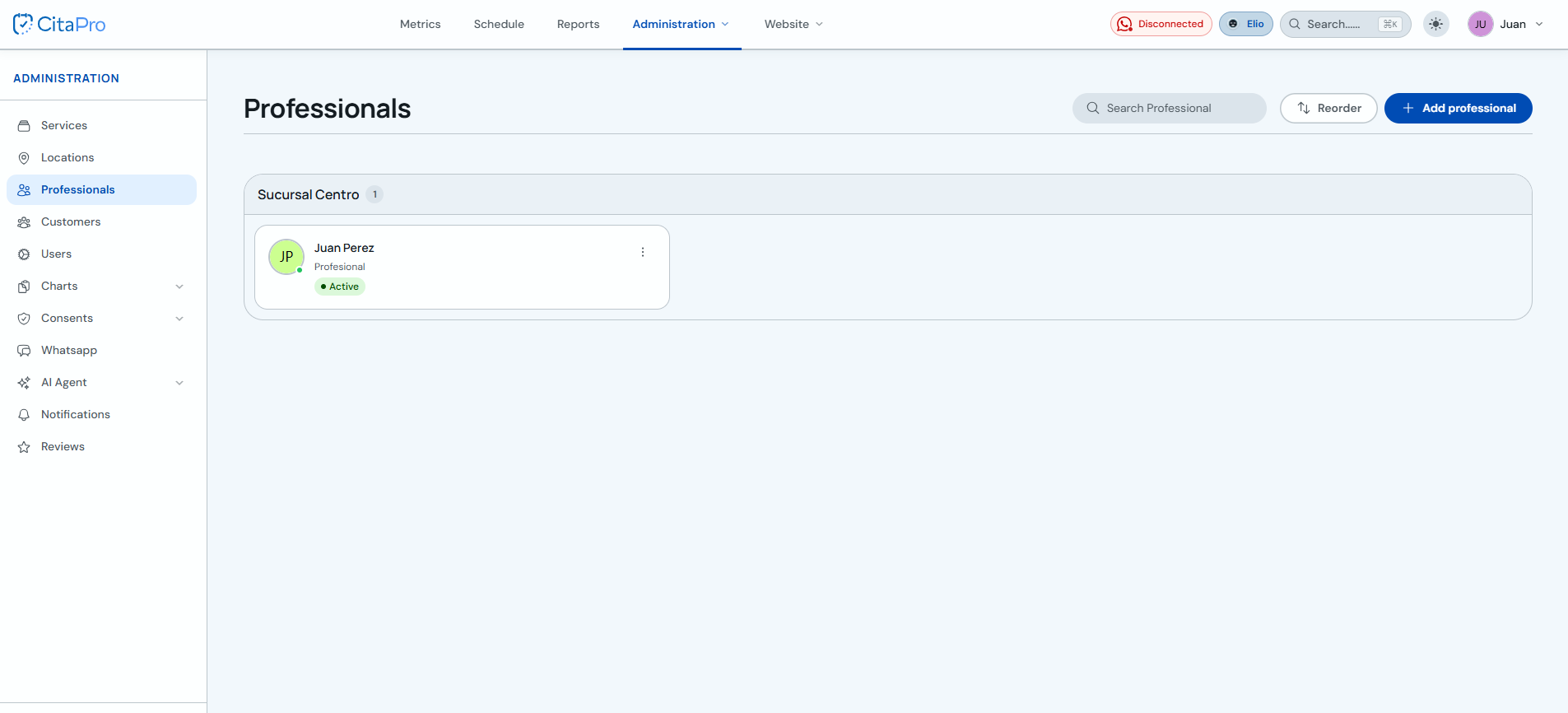
Go to Administration → Professionals.
-
Click "Reorder".

-
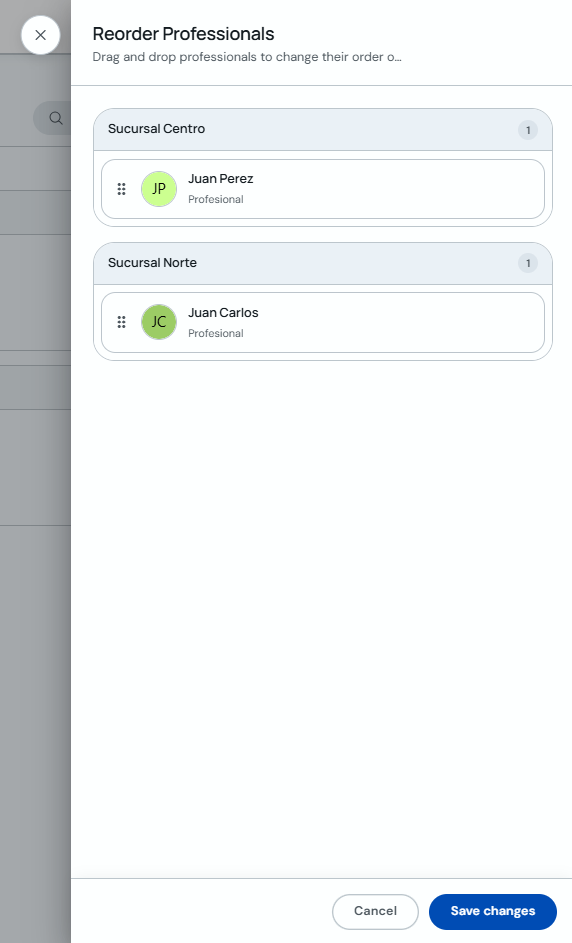
In "Reorganize professionals", drag each professional using the handle on the left to move them to another branch or change their position.
-
Drop the professional in the desired branch or position and click "Save changes".
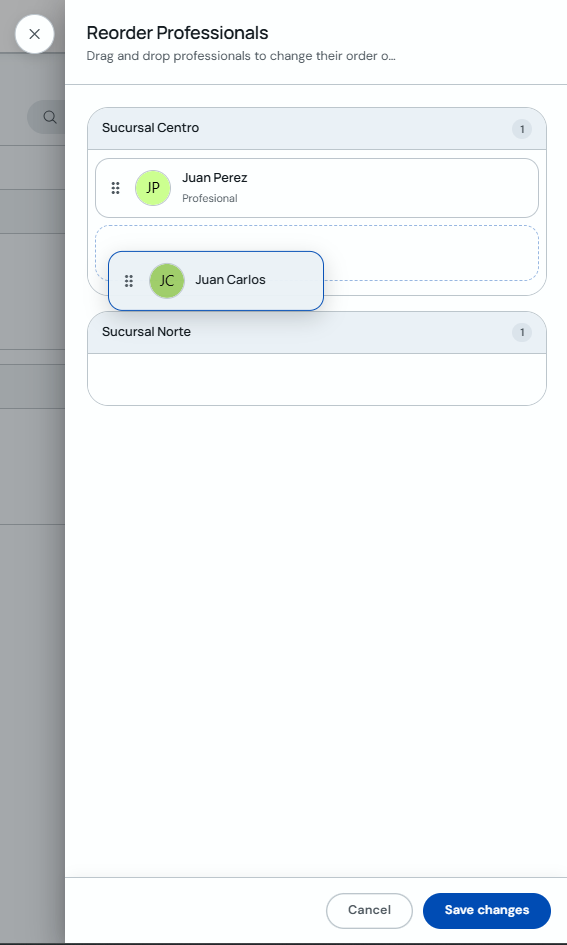
The order you set here is reflected in how professionals appear when booking appointments.