

Website link and QR code
Without going to Settings you can open your minisite, copy its URL to the clipboard or download a QR code to share with clients.
-
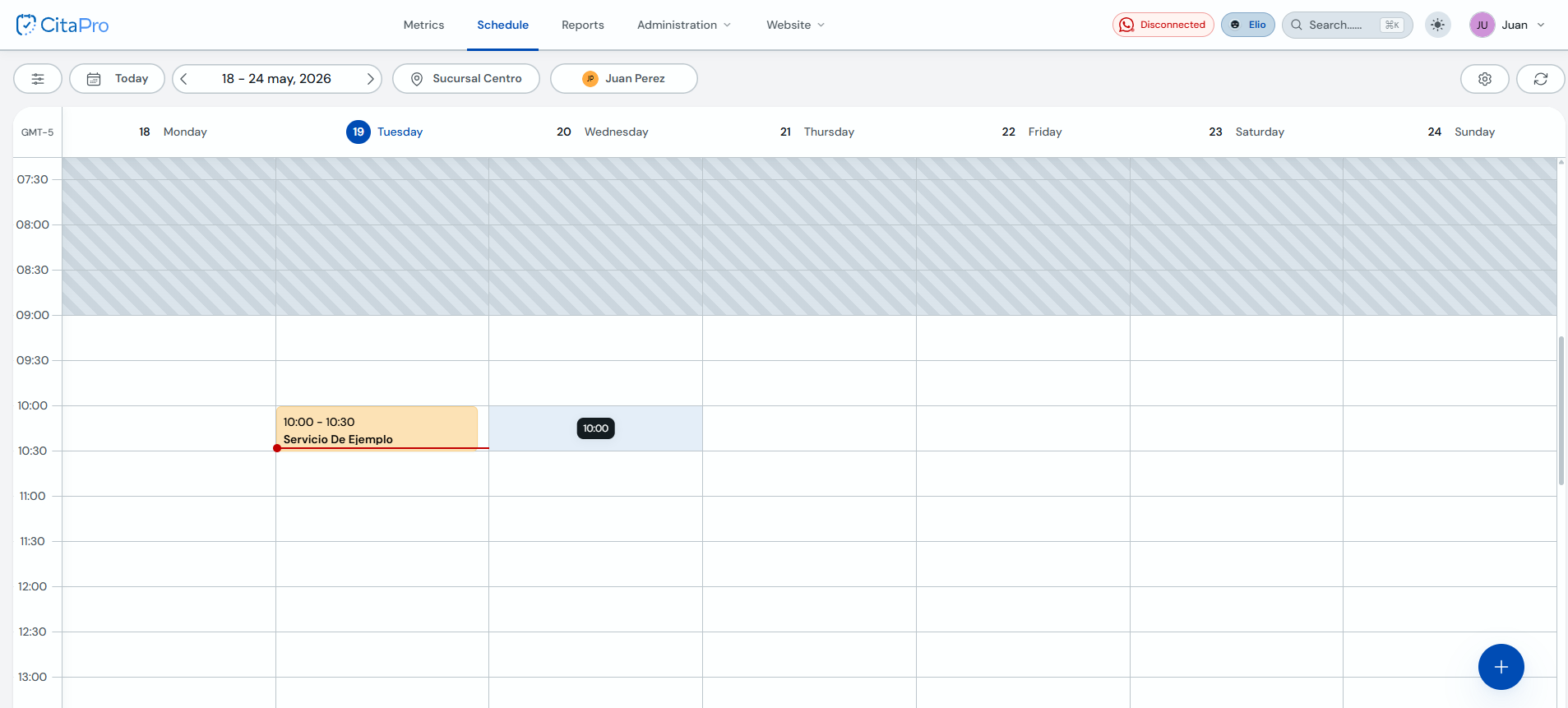
In the CitaPro top bar, open the "Website" menu (next to Administration).
-
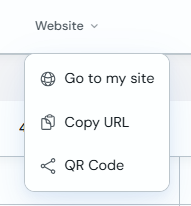
The dropdown shows three options: "Go to my site" to open the minisite in a new tab, "Copy URL" and "QR Code".
-
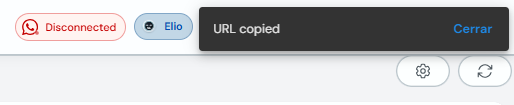
Click "Copy URL". A "URL Copied" notification appears and you can paste the link in WhatsApp, Instagram, your bio or wherever you need it.
-
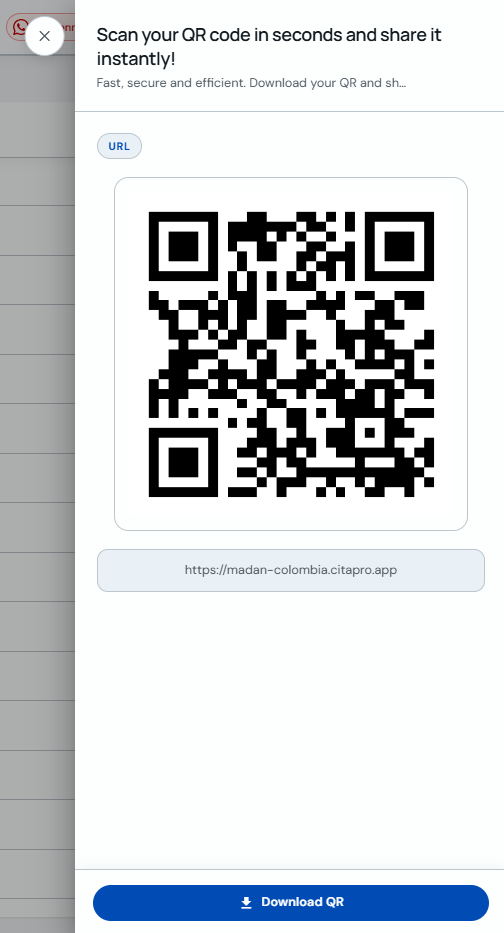
For a QR code, choose "QR Code". A modal opens with your link (e.g. your-business.citapro.app), the generated QR and a "Download QR" button.
If you have not set your site slug yet, do it first under Settings → Website so the link and QR point to the correct address.