

Agent usage summary
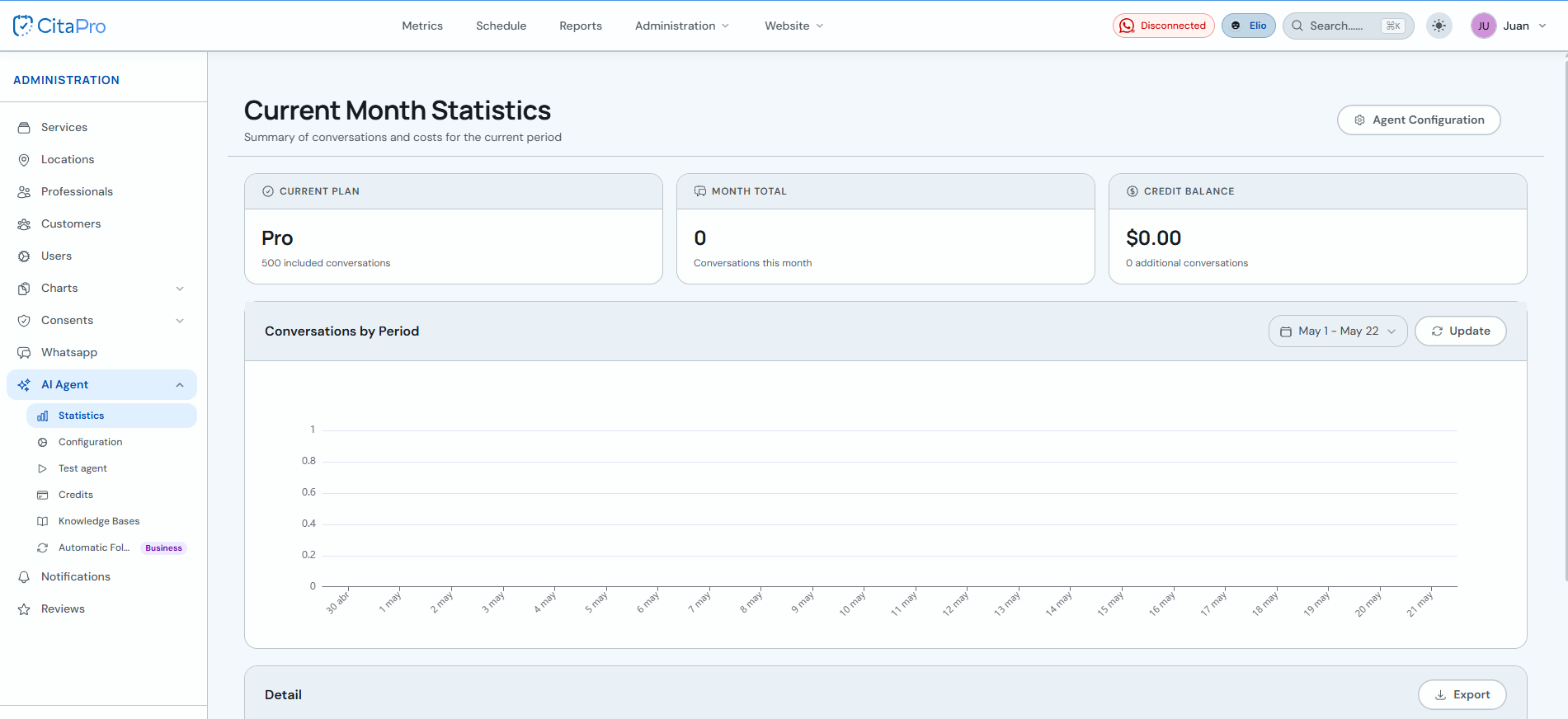
Under "Current Month Statistics" you can see how many conversations your AI Agent had, the included plan and credit balance for extra conversations.
-
Go to Administration → AI Agent → Statistics. Review the current plan, month total and credit balance cards. Under "Conversations by Period" pick a date range and click "Update" to refresh the chart.
-
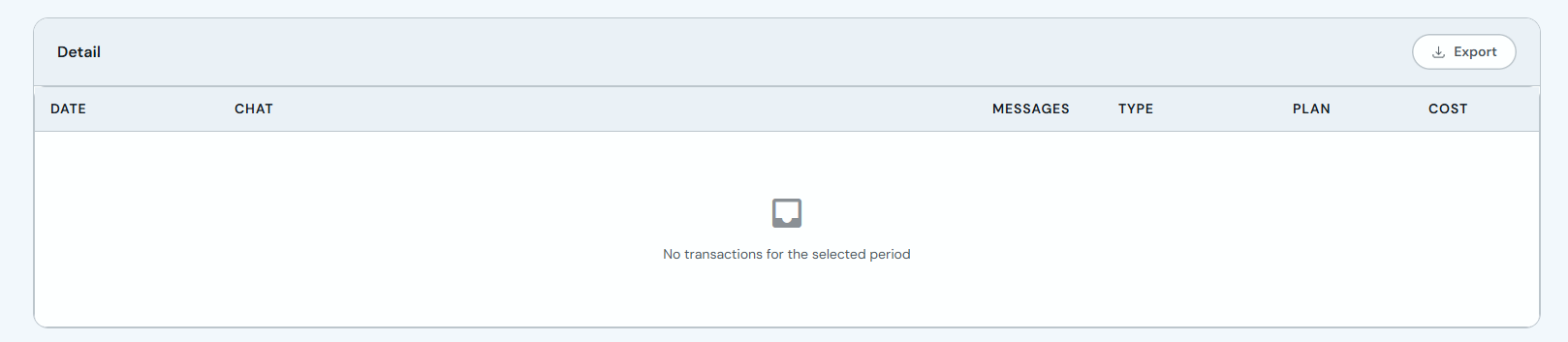
Scroll to the "Detail" section to see each conversation: date, chat, messages, type, plan and cost.
-
Click "Export" and choose CSV, Excel or PDF to download the detail for the selected period.
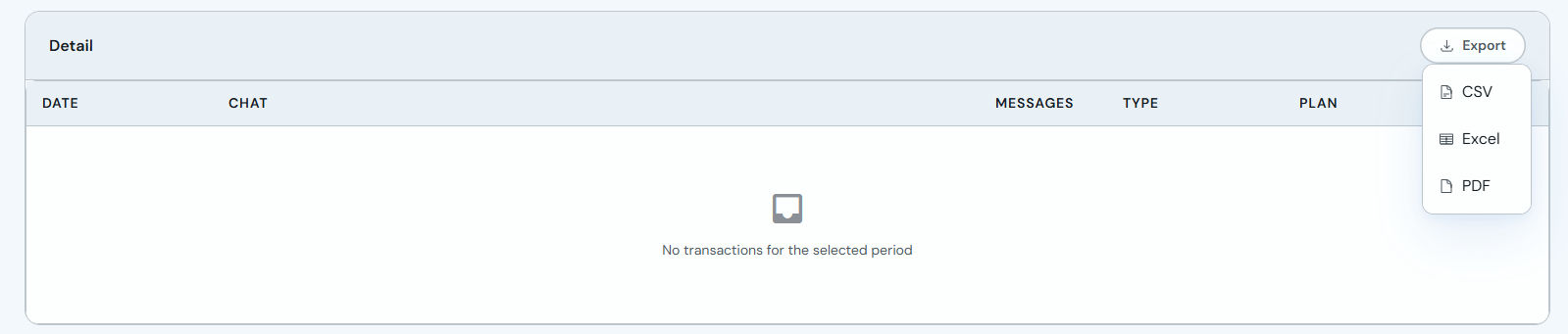
If you see no transactions in the detail table, widen the chart date range and update again. The "Agent Settings" button takes you to agent configuration from this screen.