

Conversation simulator
The tester uses the same settings you defined (hours, instructions and rules). It does not send real WhatsApp messages.
-
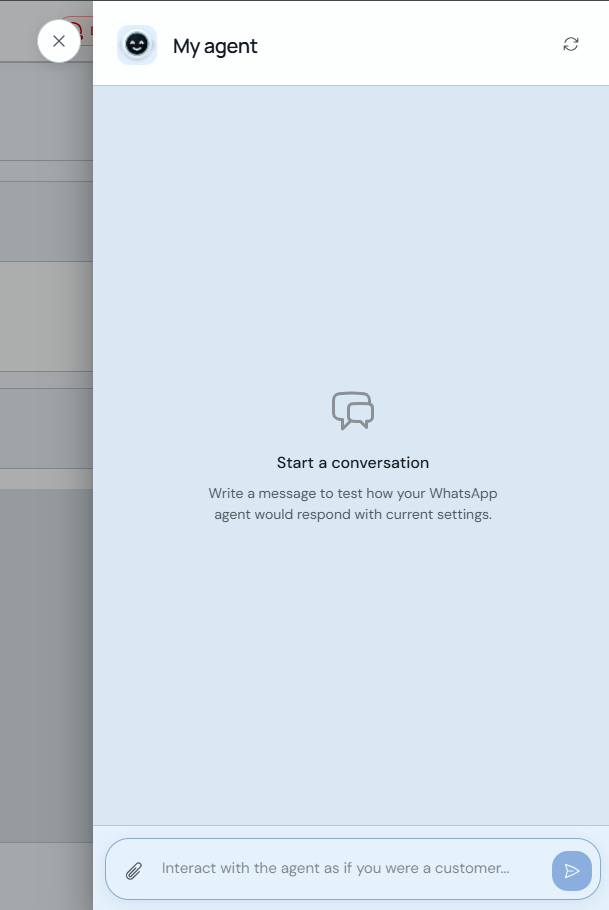
Go to Administration → AI Agent → Test agent. You can also open it from Configuration with the "Test agent" button.
-
Type a message in the bottom field as if you were a client (e.g. ask for info or book an appointment) and send it to see the agent's reply.
-
Use the refresh icon at the top right to restart the conversation and try another scenario.
Try different questions (services, hours, cancellations) to confirm your custom instructions work as expected.