

Customize the agenda view
From Agenda you can change how the calendar is displayed on your device: time-grid or list view, zoom level and visible hours.
-
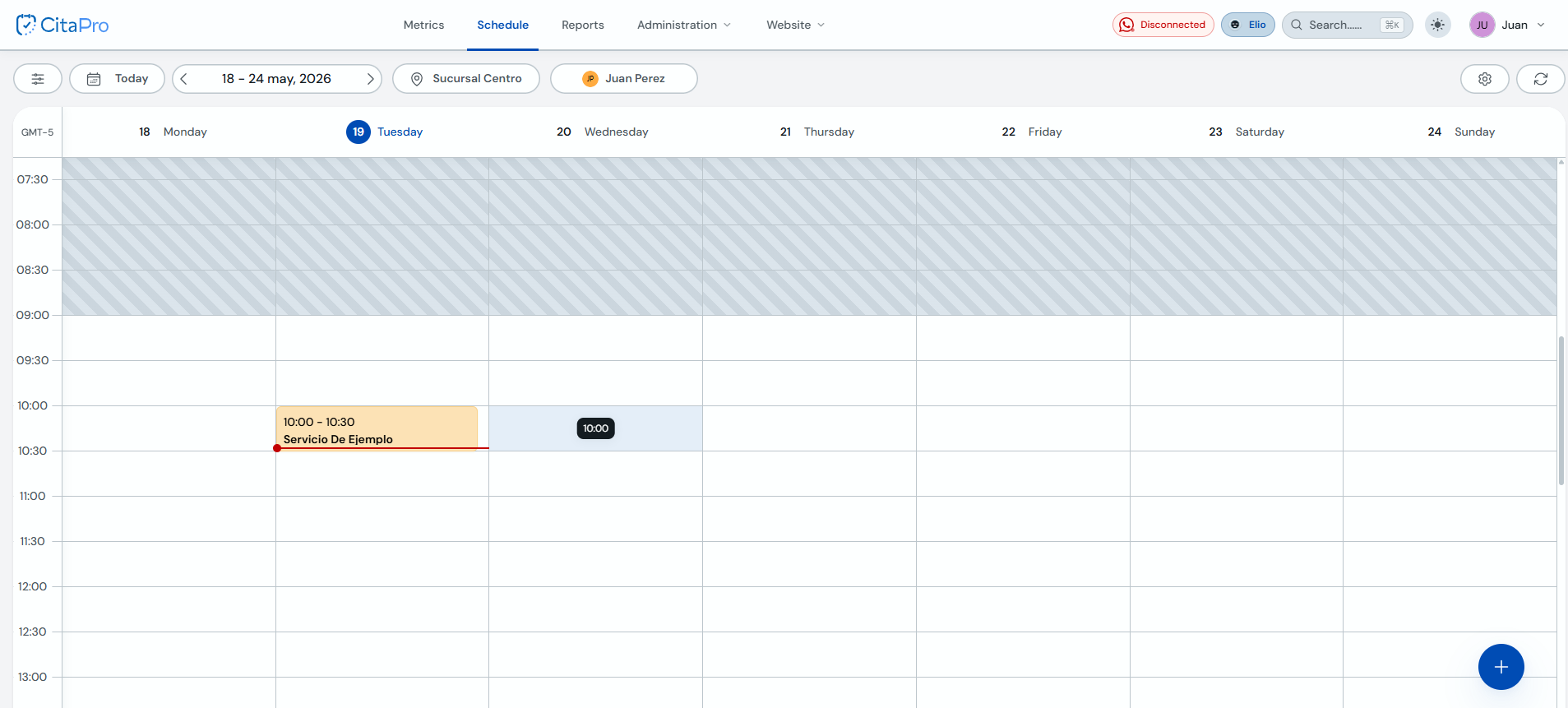
Go to Agenda. In the calendar toolbar you will see filters, location, professional and, on the right, the settings button (gear icon).
-
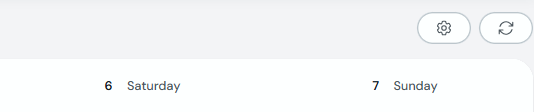
Click the gear icon next to the refresh button.
-
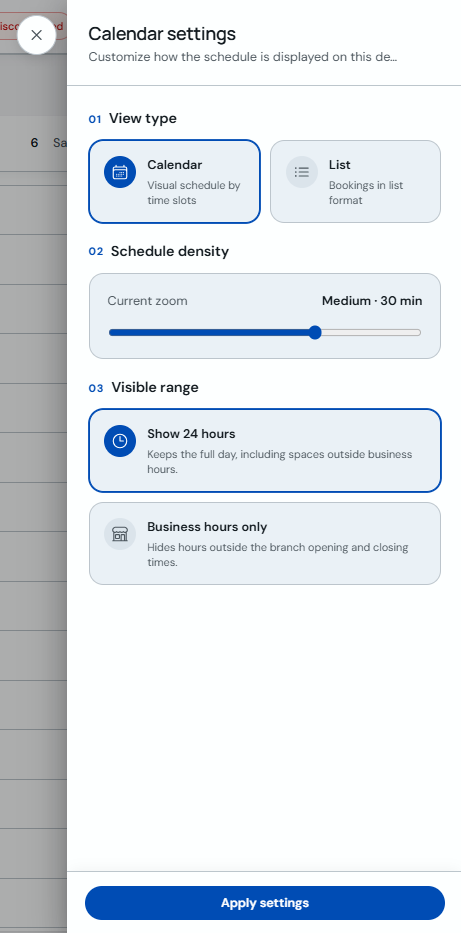
In the "Calendar settings" panel, choose the view type ("Calendar" or "List"), adjust density with the zoom control and set whether to show all 24 hours or only the branch opening hours.
-
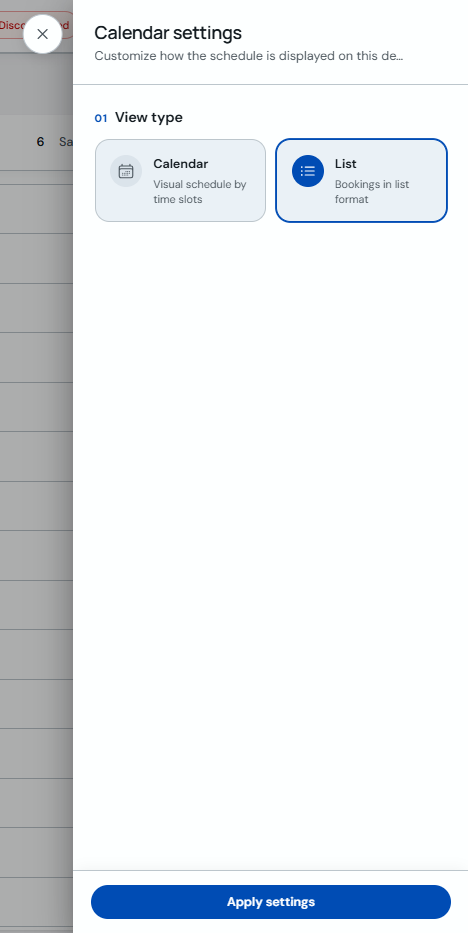
When you are done, click "Apply settings". For example, selecting "List" will show bookings in a list format.
Settings apply on the device where you configure them. You can reopen the panel anytime to change the view or zoom.