

Delete a block from the calendar
You can delete a time block directly from the calendar. Once removed, that slot becomes available again based on the professional's settings.
-
In Agenda, click the block you want to remove and select "Delete".
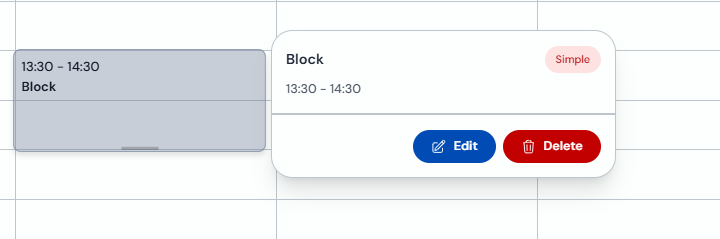
-
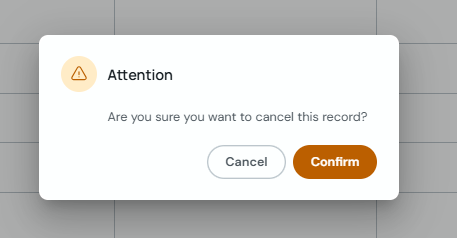
Confirm the action in the attention prompt to cancel the block record.
If you only need to change the block time, use "Edit" instead of deleting it.