

Connect Google Calendar
Sync is set up from your user profile. Once connected, your CitaPro appointments will appear in Google Calendar.
-
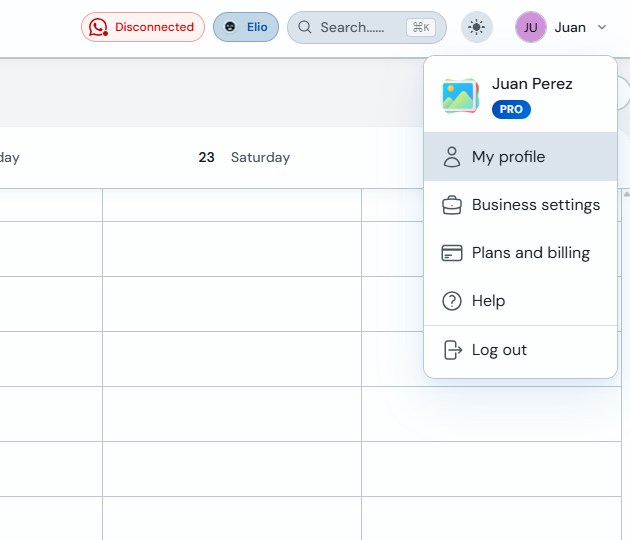
Click your name or avatar (top right) and select "My profile".
-
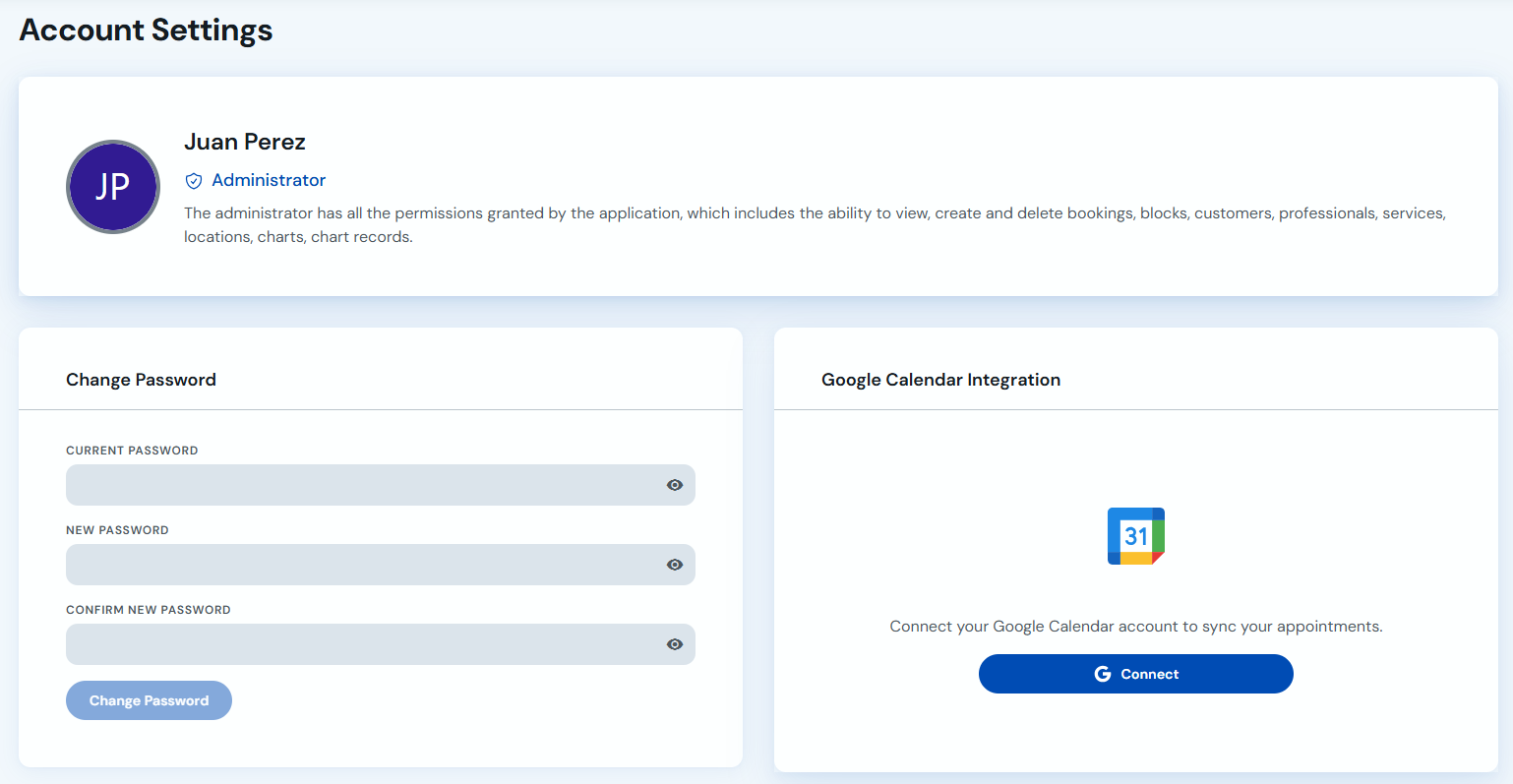
Under "Account settings", find the "Google Calendar integration" card and click "Connect".
-
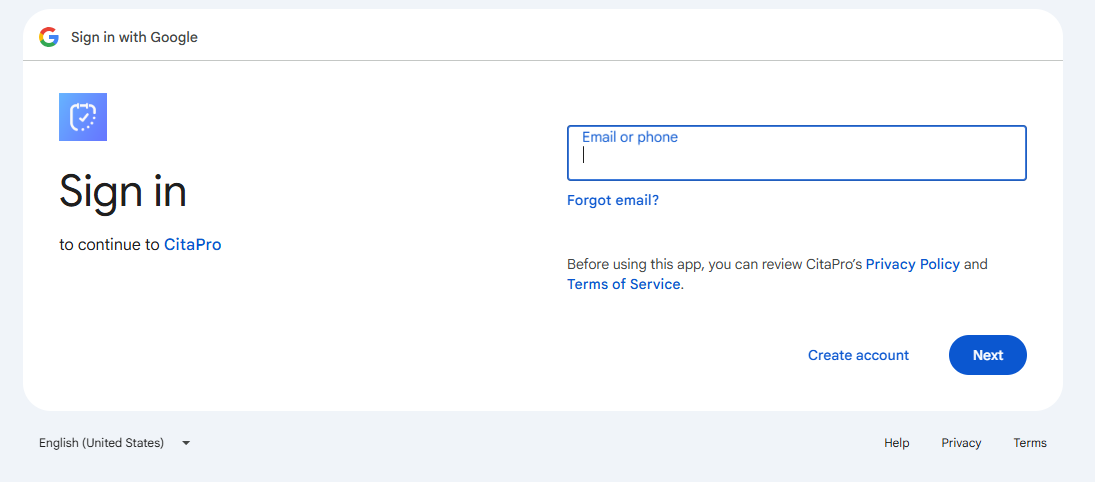
Sign in with the Google account you want to link and click "Next".
-
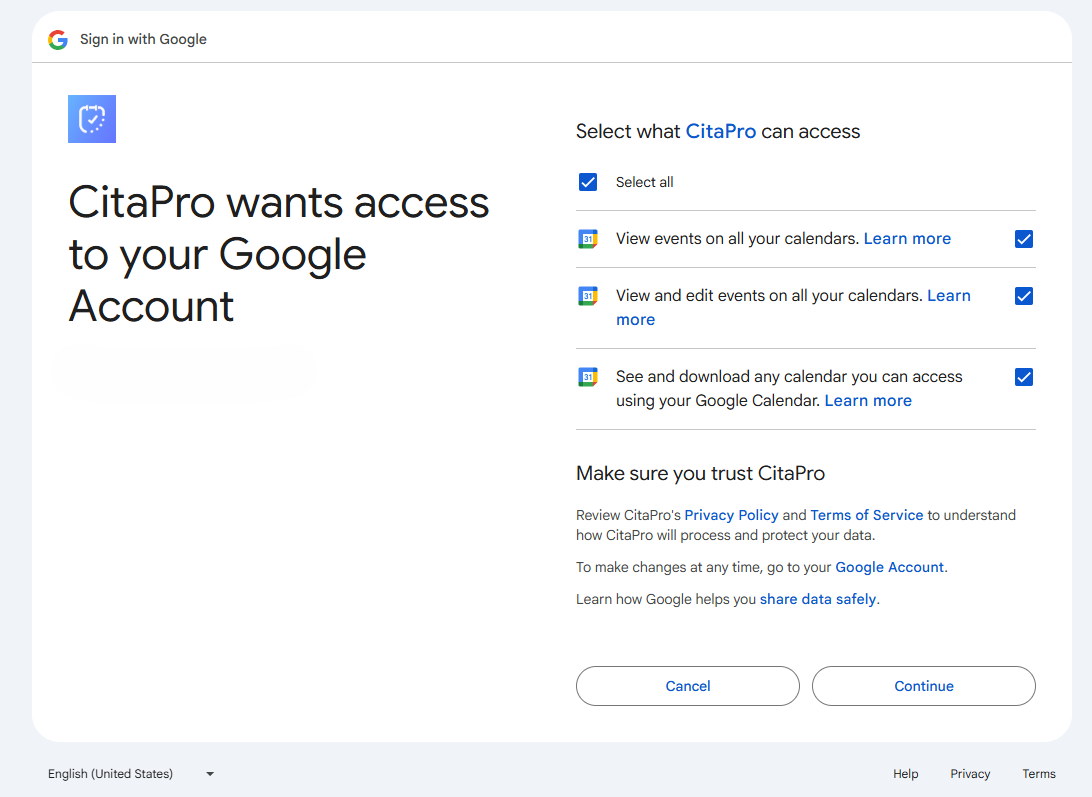
Review calendar permissions, check the required options and click "Continue" to finish connecting.
You can also connect Google Calendar when creating a professional, from the "Google Calendar" tab in the form.
If you have multiple Google accounts, make sure to choose the correct one when signing in.