

Delete a form
You can remove a technical form you no longer need. This action is permanent and cannot be undone.
-
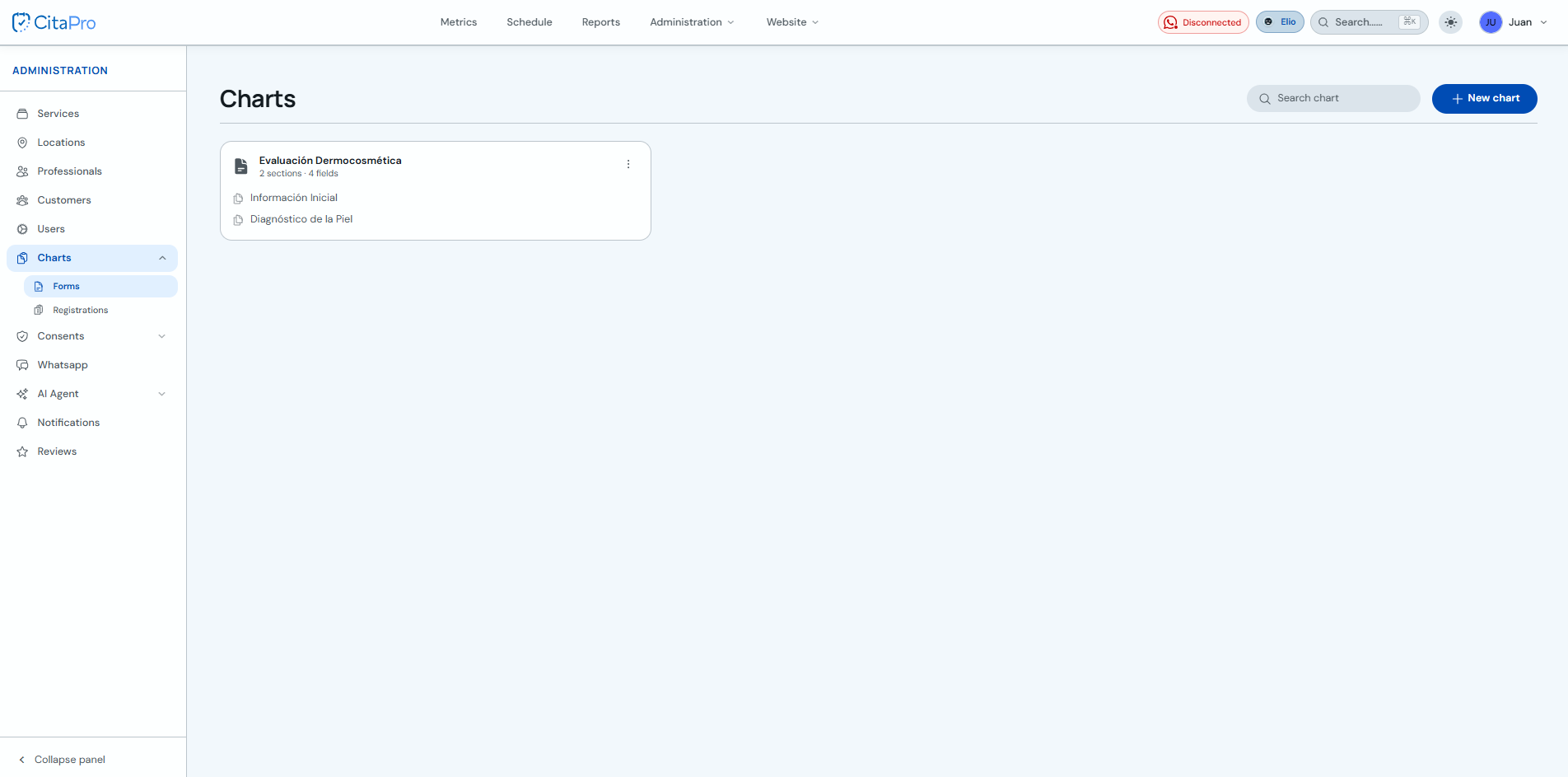
Go to Administration → Fichas → Forms and find the form you want to delete.
-
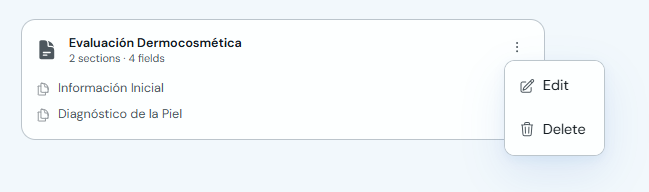
Open the form three-dot menu and click "Delete".
-
Confirm the action in the "Delete form" prompt.
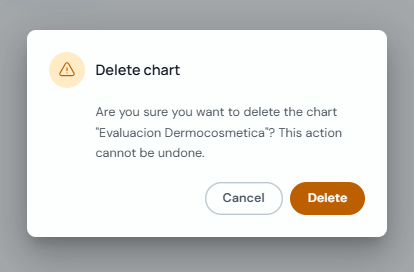
Before deleting, make sure you no longer need this form in your business.