

Edit a form
You can update an existing technical form without creating a new one.
-
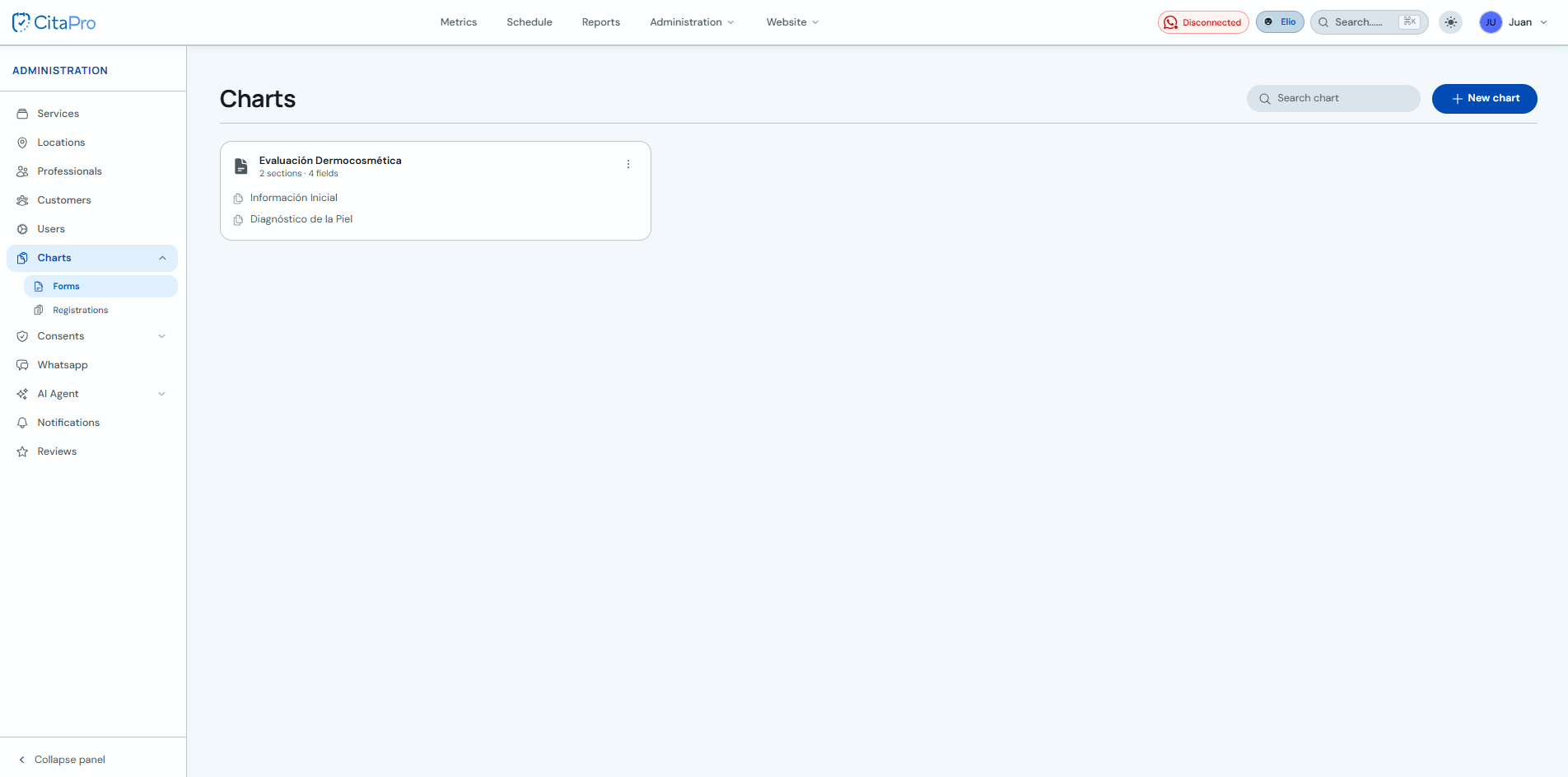
Go to Administration → Fichas → Forms and find the form you want to edit.
-
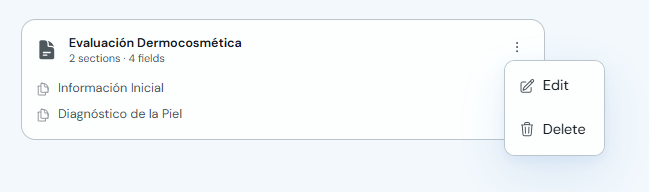
Open the form three-dot menu and click "Edit".
-
Update the name, sections or fields and click "Save".
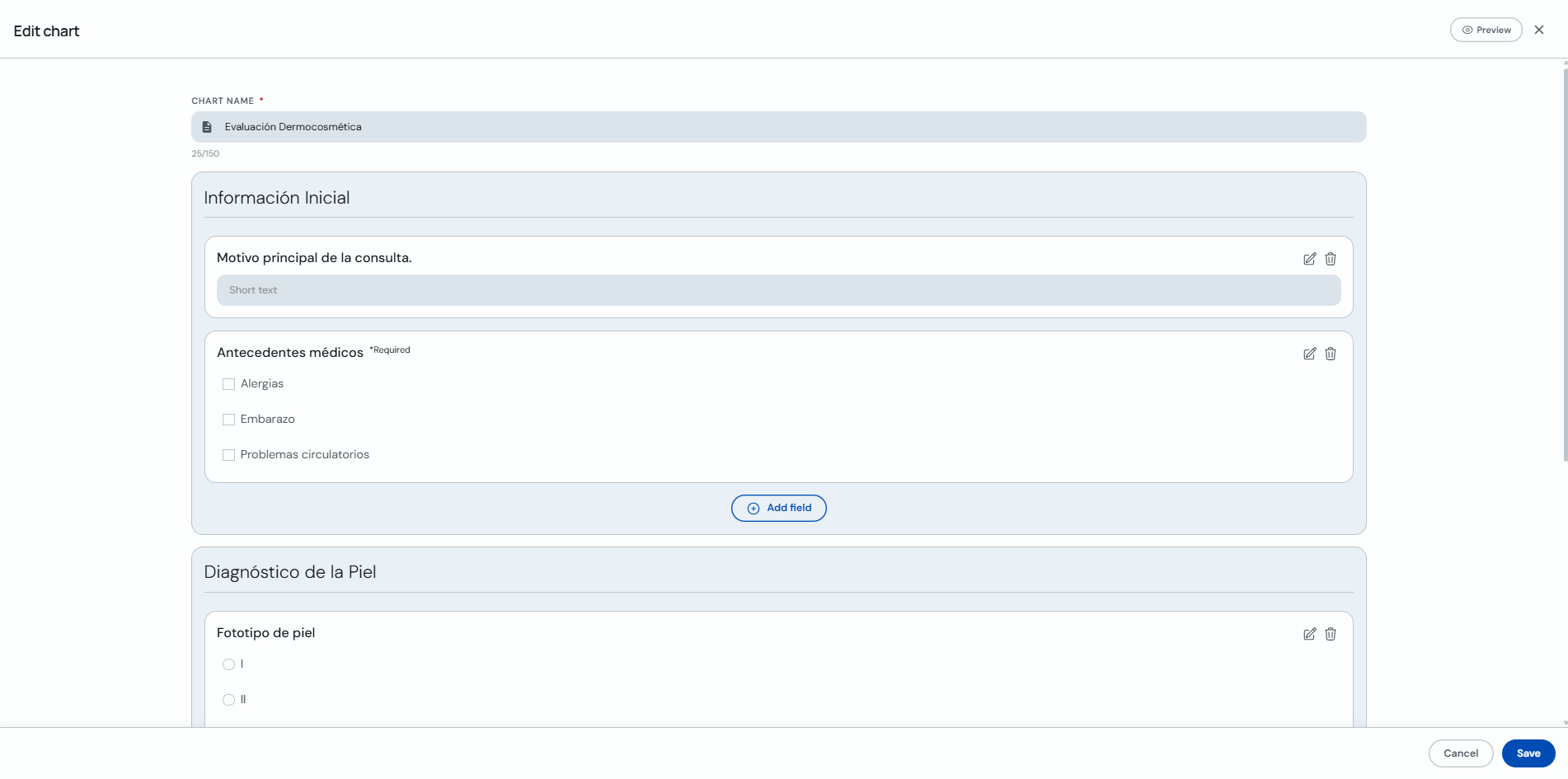
You can use "Preview" to review the form before saving your changes.