

Register from the client profile
-
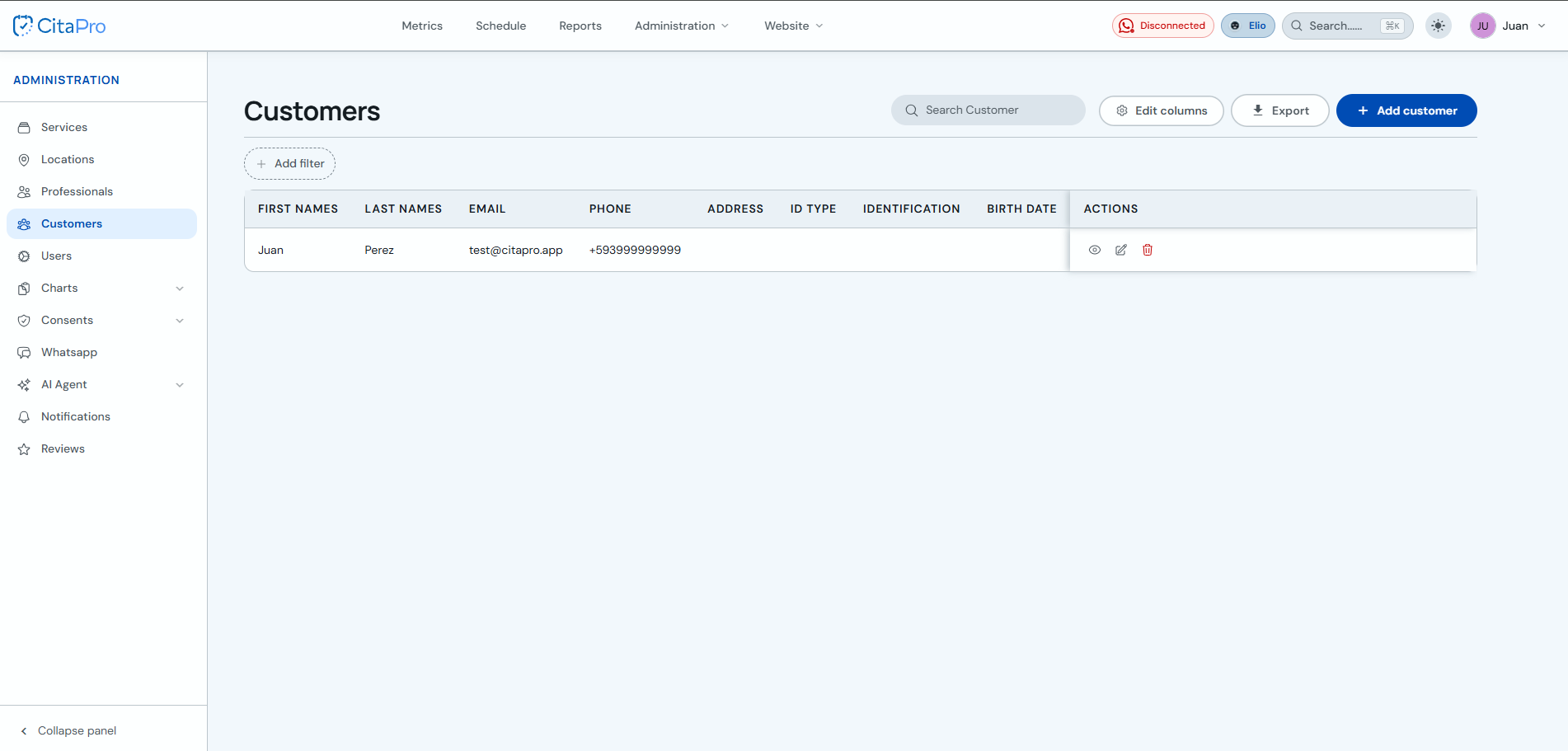
Go to Administration → Clients and open the client profile (view icon).
-
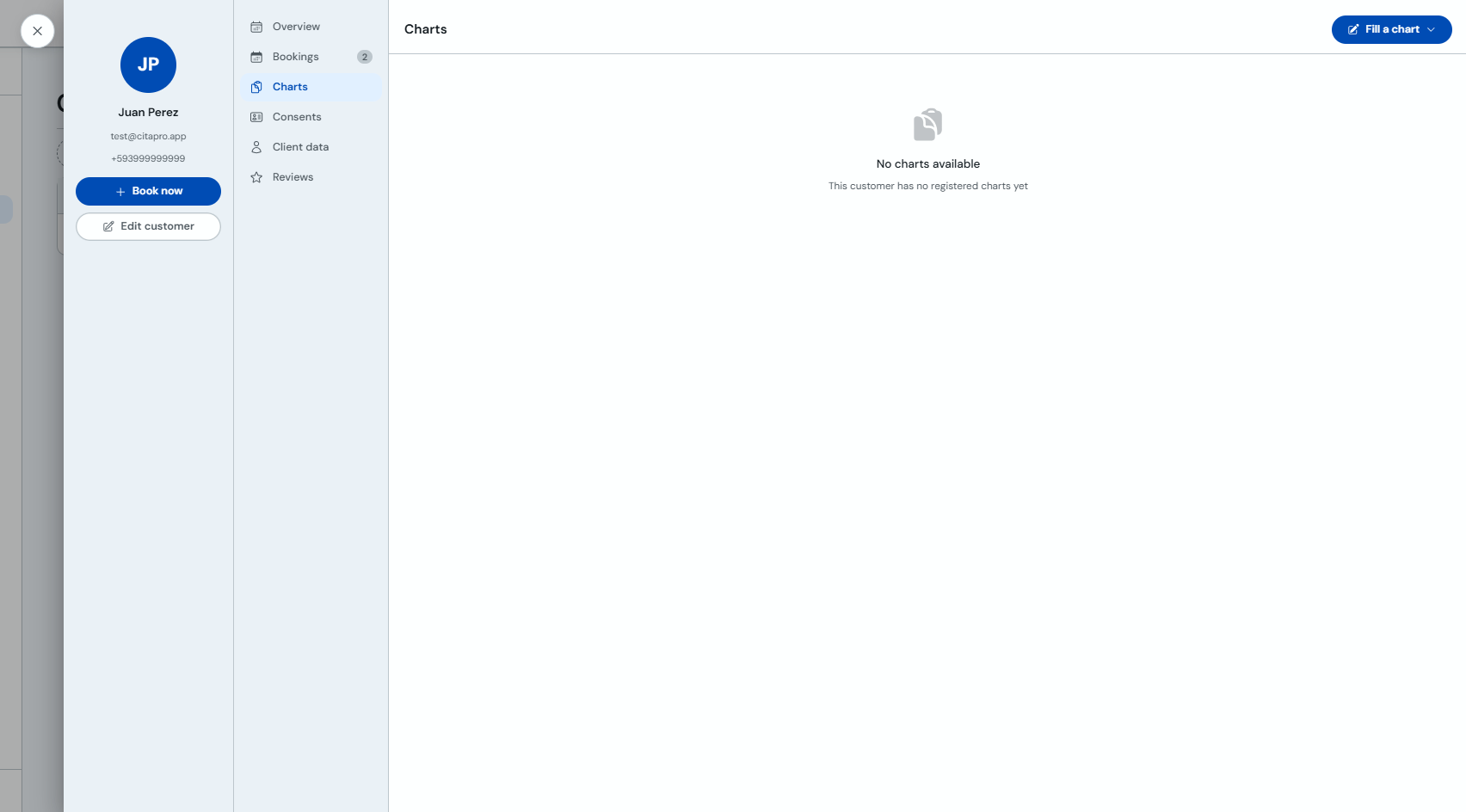
In the client profile, select the "Forms" tab and click "Fill out a form".
-
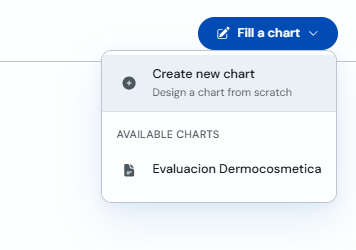
In the dropdown menu, choose the form you want to fill out (for example, "Dermocosmetic Evaluation").
-
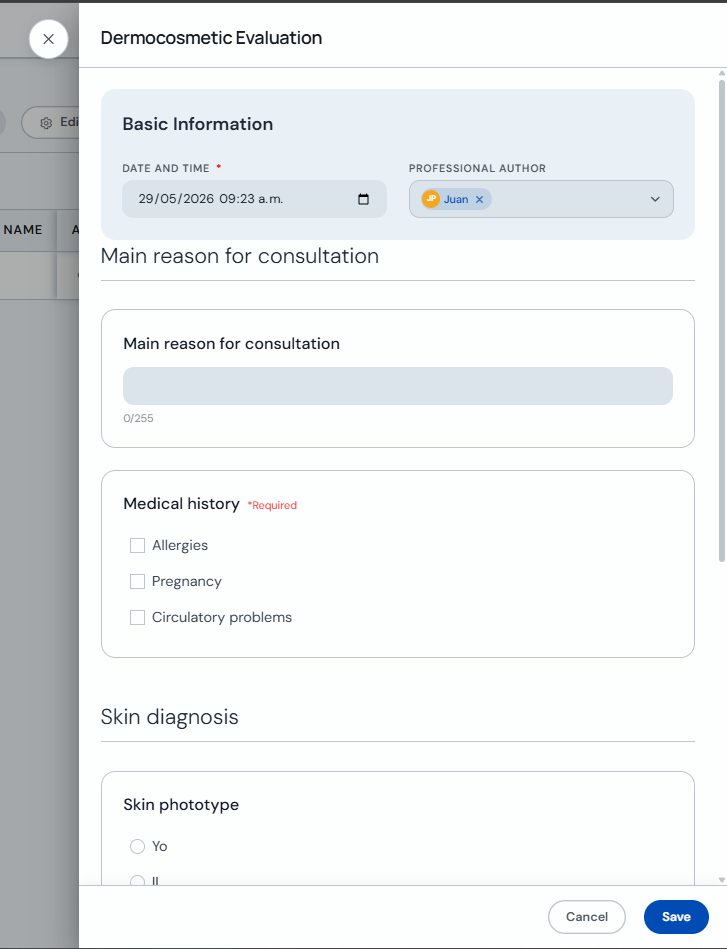
Complete the form fields and click "Save".
Register from the calendar
-
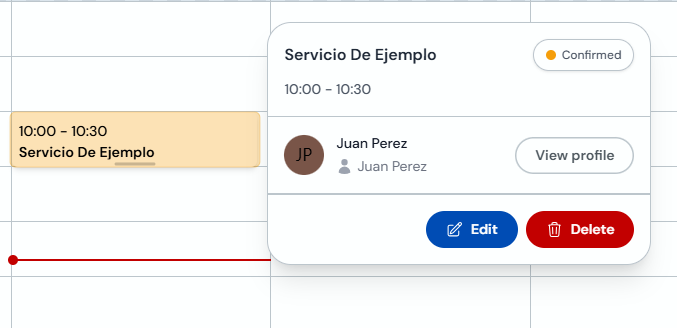
Go to Agenda and click an appointment. In the detail view, click "Edit".
-
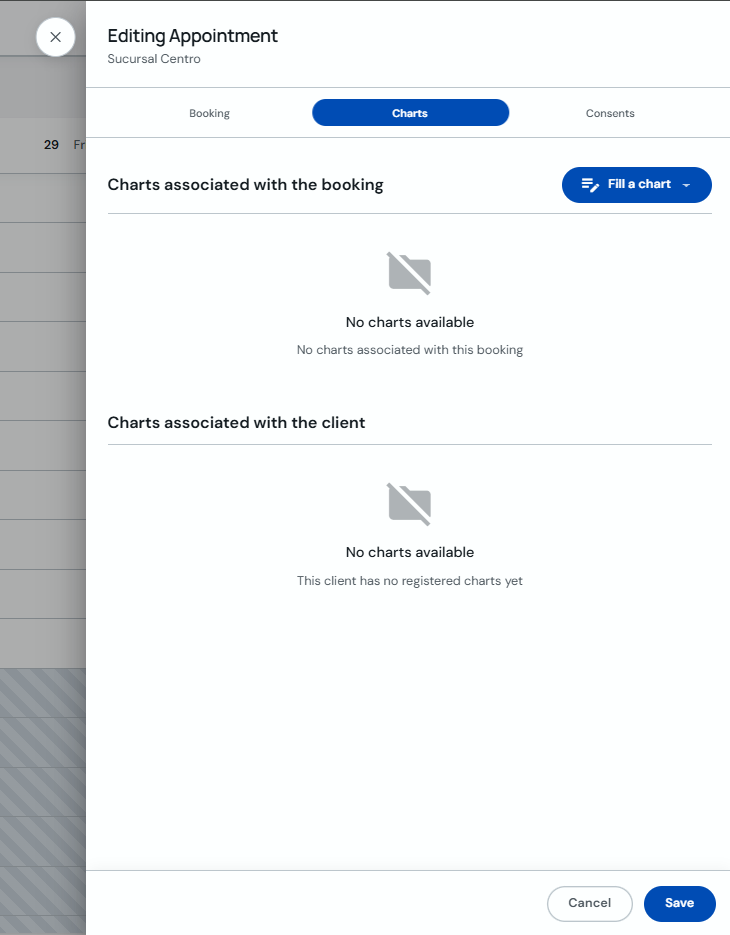
In "Editing Appointment", select the "Forms" tab and click "+ Fill out a form".
-
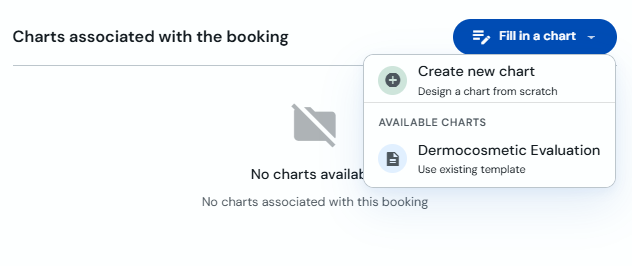
In the menu, select the form template you want to use.
-
Complete the information and click "Save".
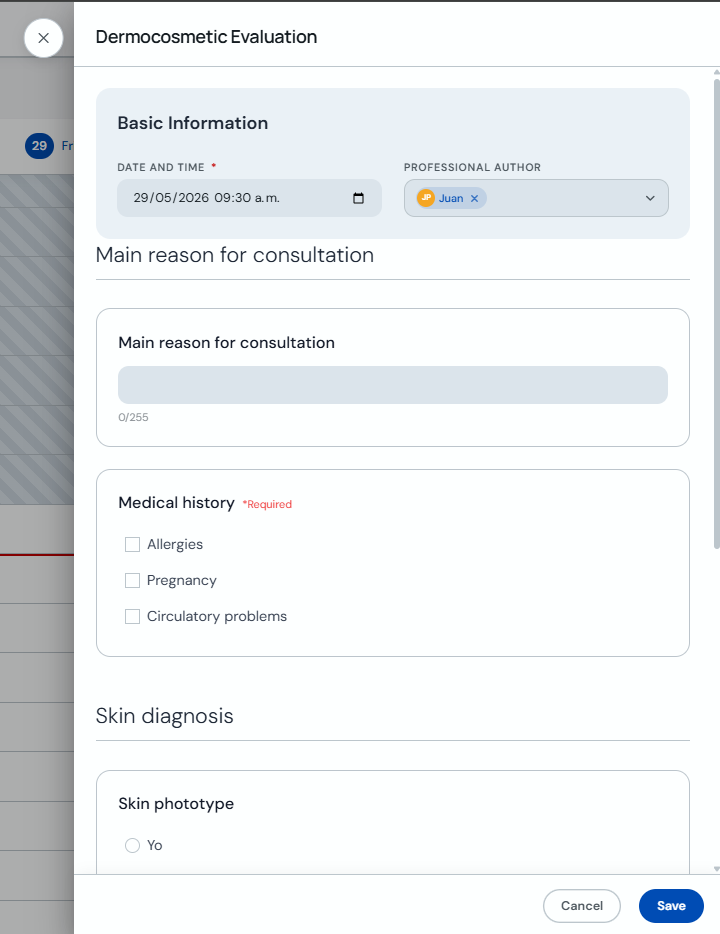
Required fields must be completed before you can save the form.