
Clients
Clients

Viewing a client's appointment history

Access the complete client profile: past appointments, notes, records and payments.

  1. Go to Administration → Clients, find the client and in the "Actions" column click the eye icon to open their profile.
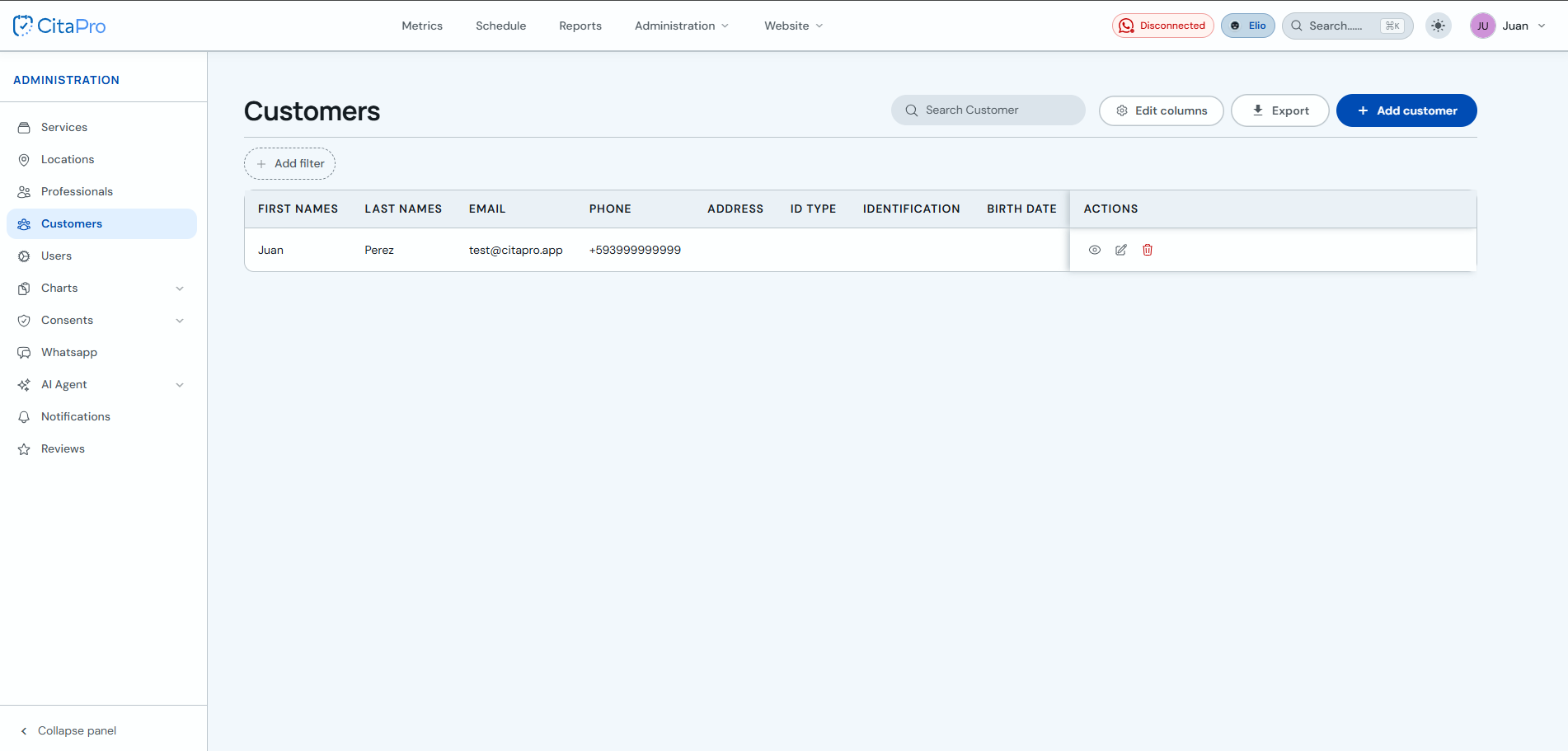
    Client list with Actions column and eye icon to view the profile
  2. Go to the "Bookings" tab to see all their appointments.
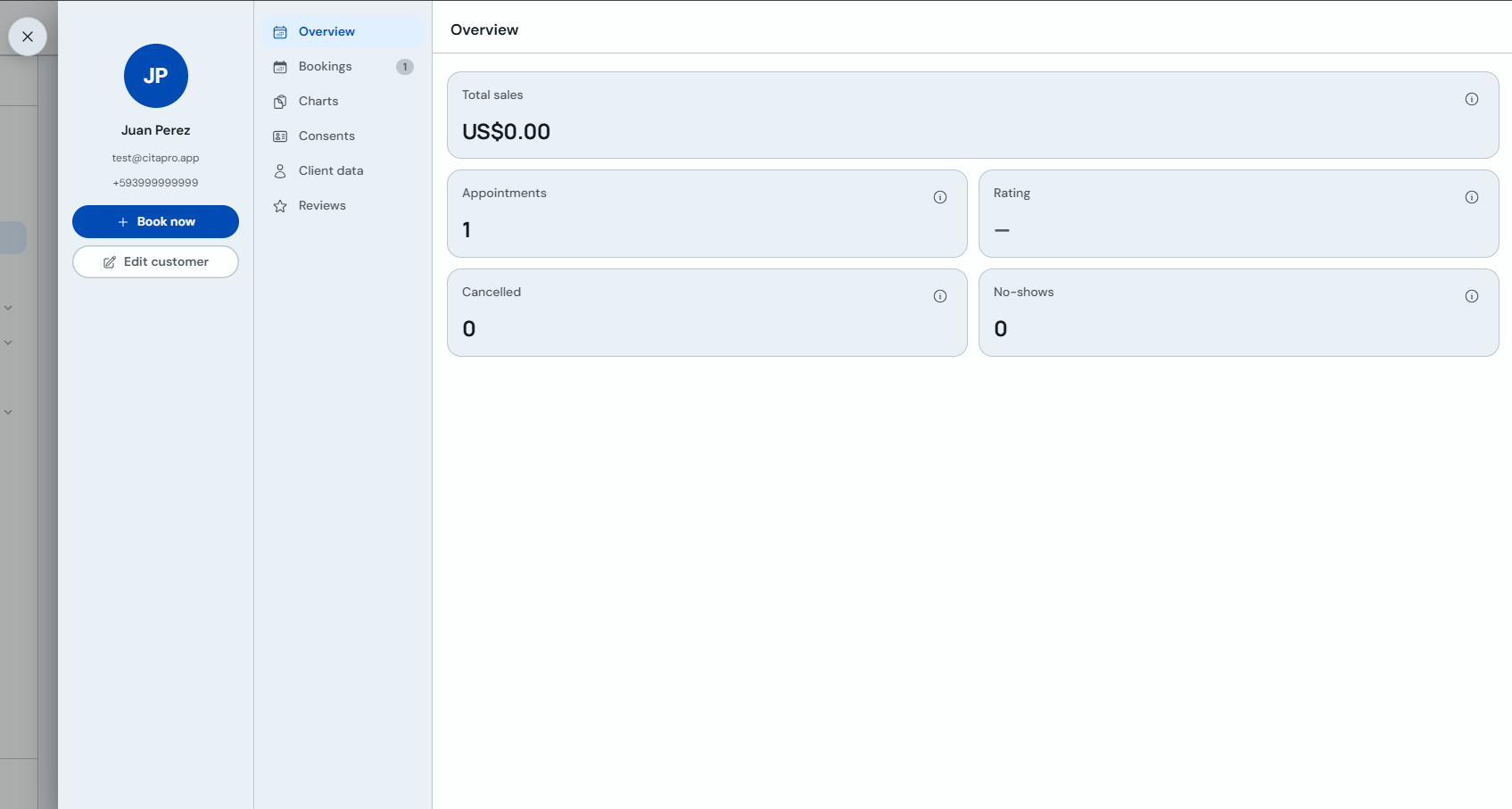
    Client profile Bookings tab with their appointment list

From the history you can reactivate past appointments or send direct messages to the client.

Can't find what you're looking for?

Contact support