

Export clients
You can export the client list shown in the table to work with it outside CitaPro or back up your information.
-
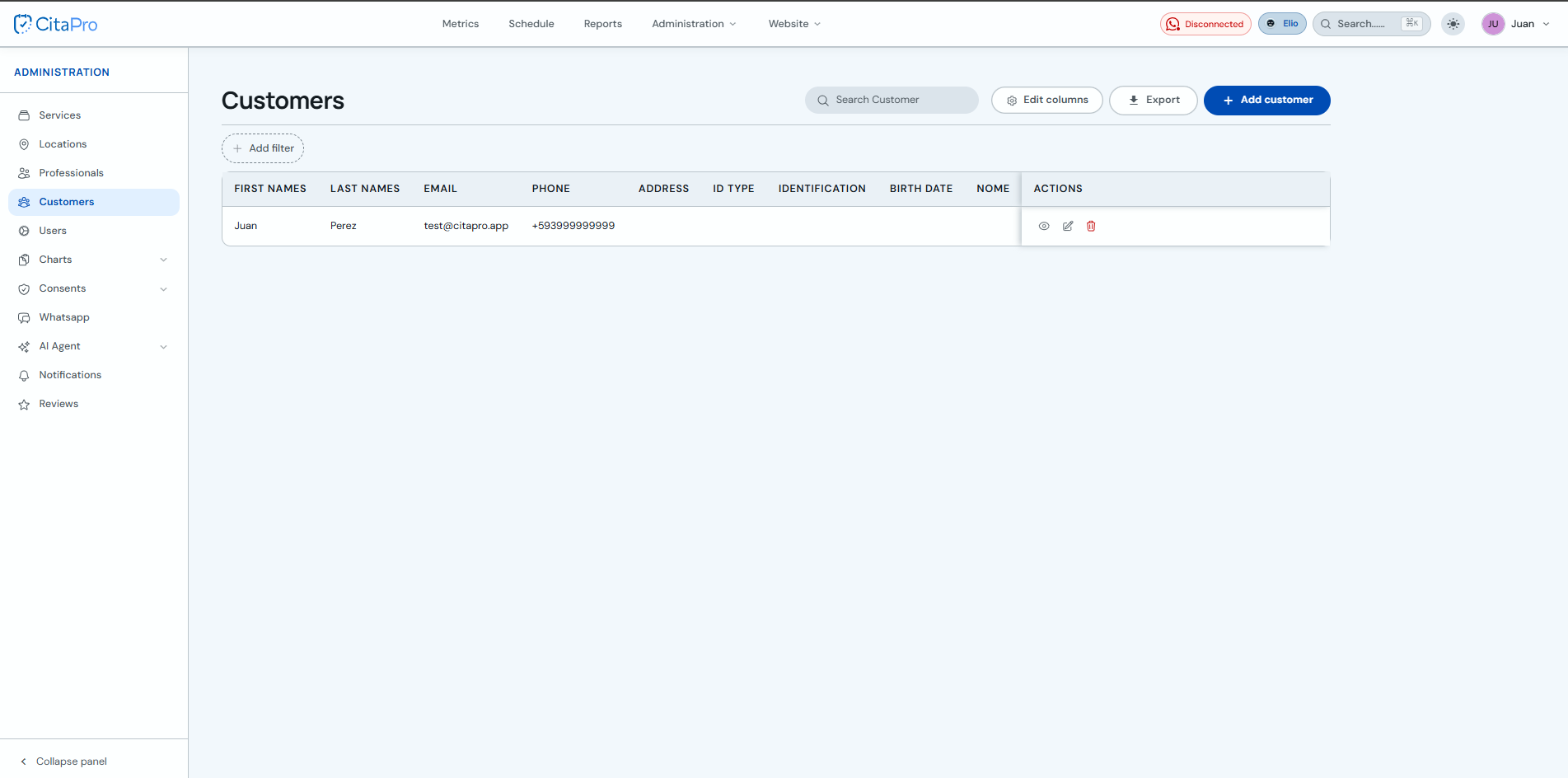
Go to Administration → Clients. If needed, use the search bar or filters to narrow the list before exporting.
-
Click "Export" and choose a format: CSV, Excel or PDF. The file will download to your device.
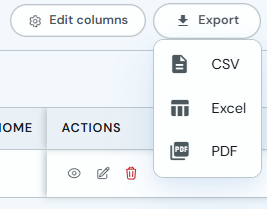
The export includes the columns visible in the table. Use "Edit columns" if you want to include or hide fields before downloading.