

Edit columns
You can show or hide fields in the client list to see only the information you need day to day.
-
Go to Administration → Clients and click "Edit columns".
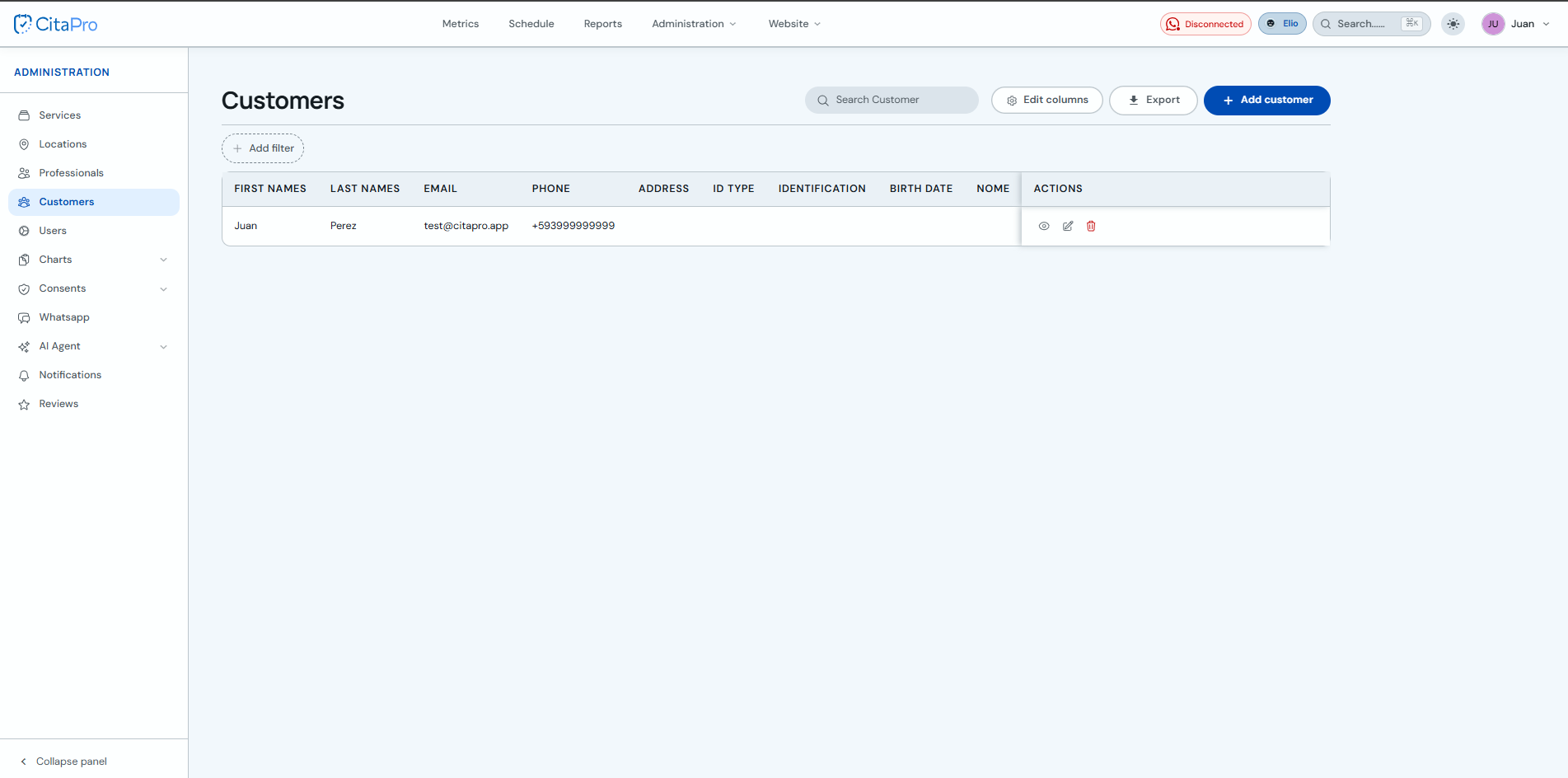
-
Under "Active columns", turn fields on or off with the checkboxes. You can drag each row to change the column order in the table.
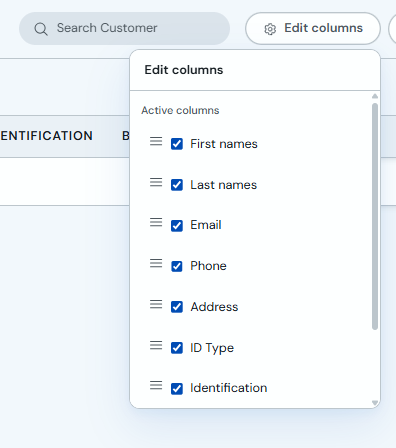
Changes apply immediately in the table. When you export clients, only visible columns are included.