

-
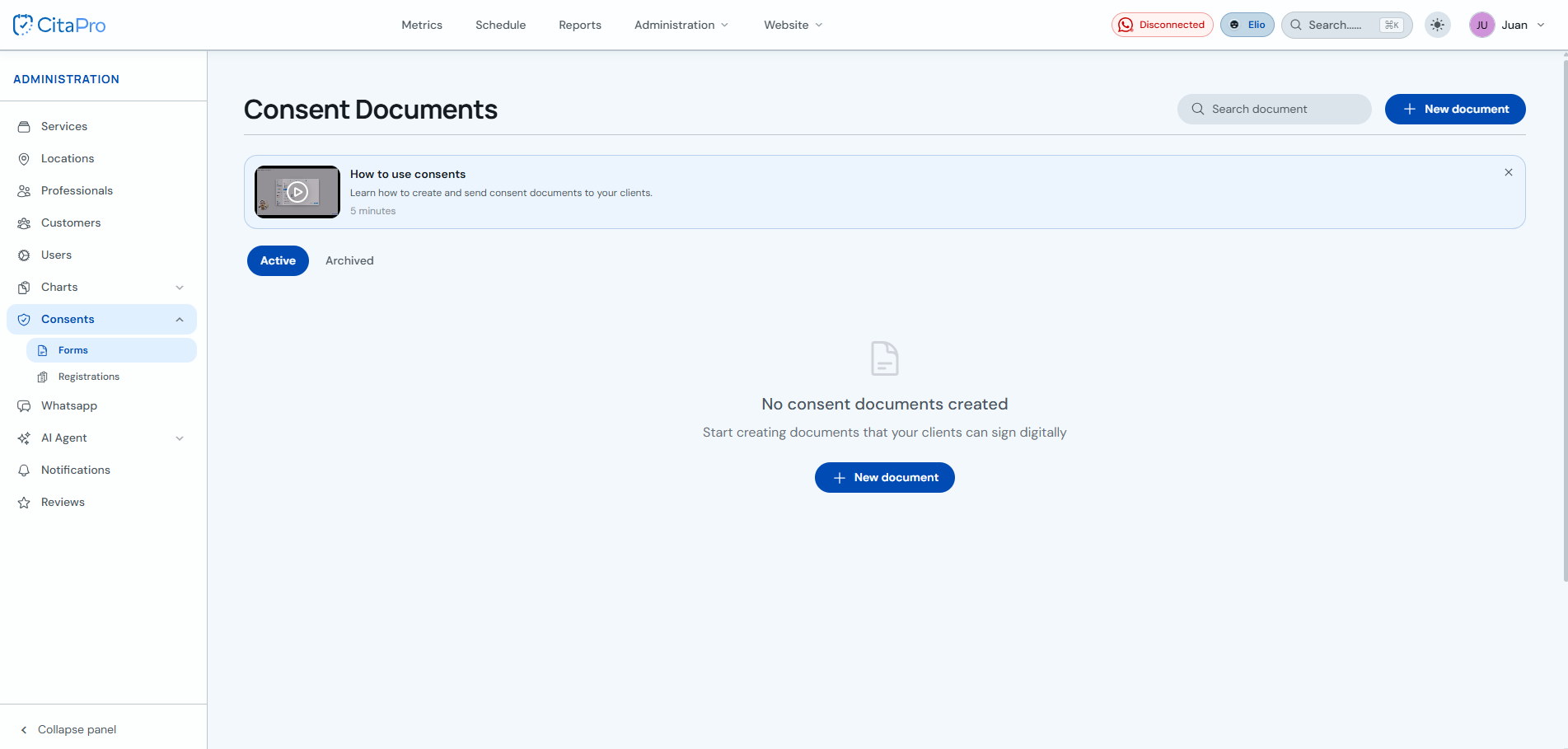
Go to Administration → Consents → Forms and click "+ New document".
-
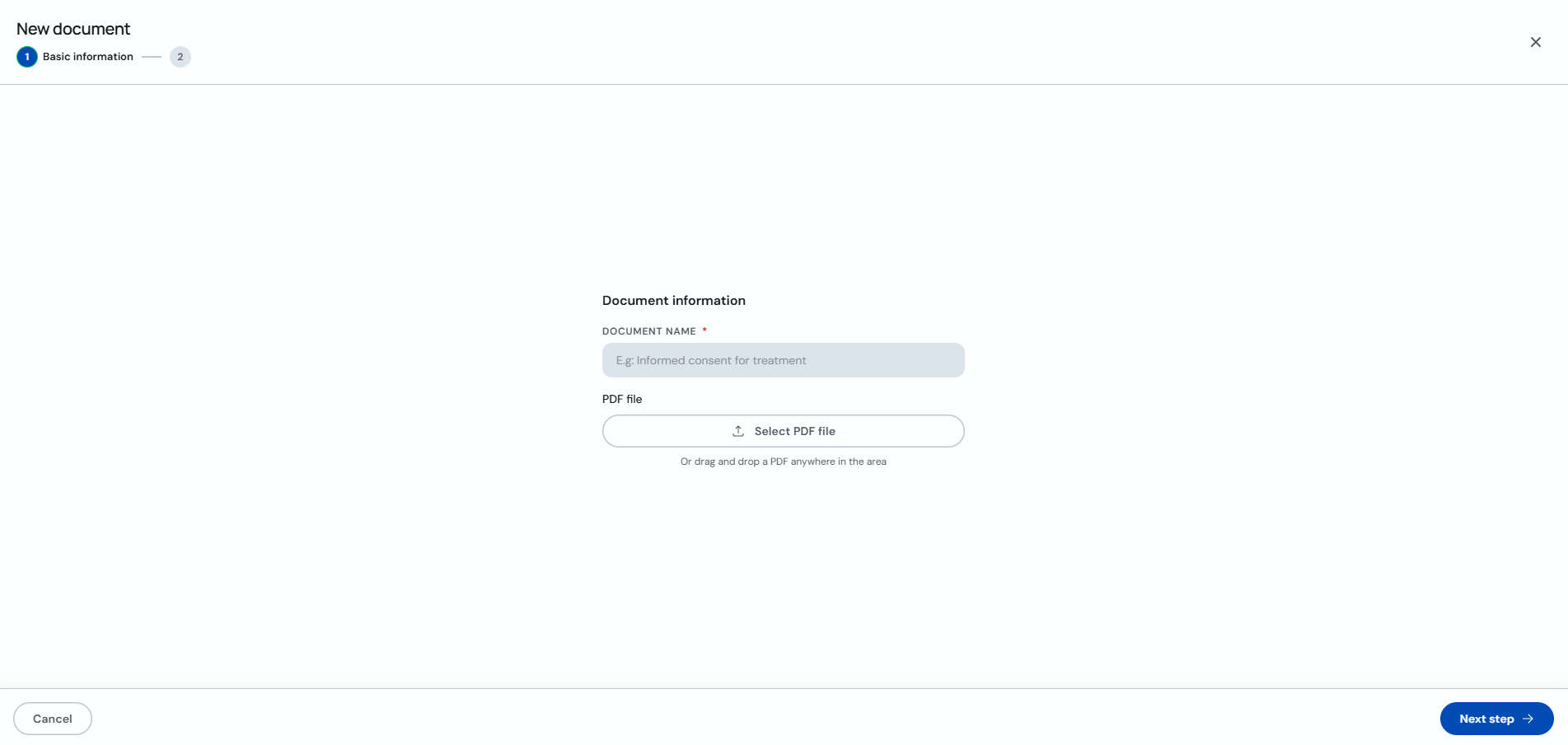
In the "Basic information" step, enter the document name and upload the PDF file (select it or drag it into the box).
-
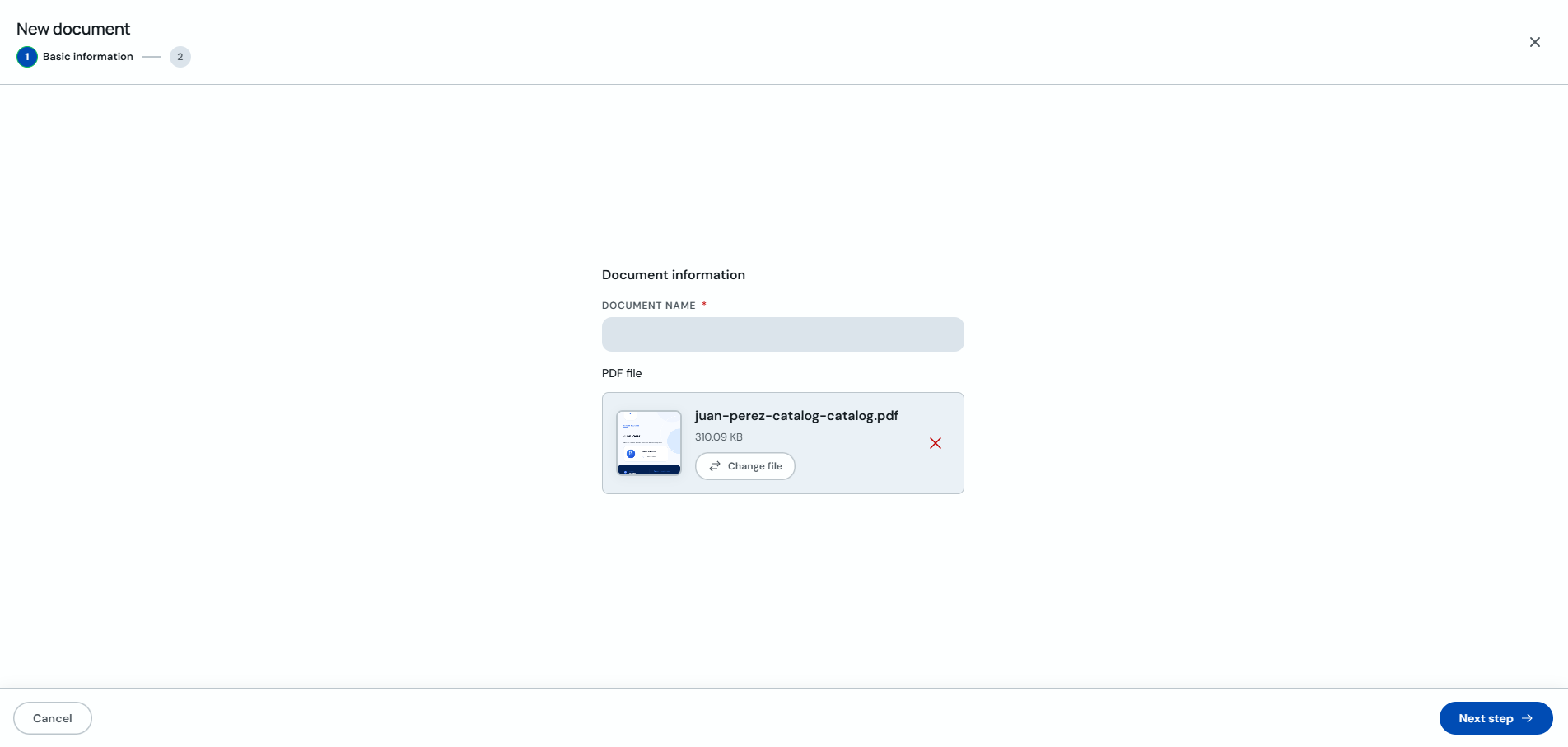
Verify the PDF uploaded correctly and click "Next step".
-
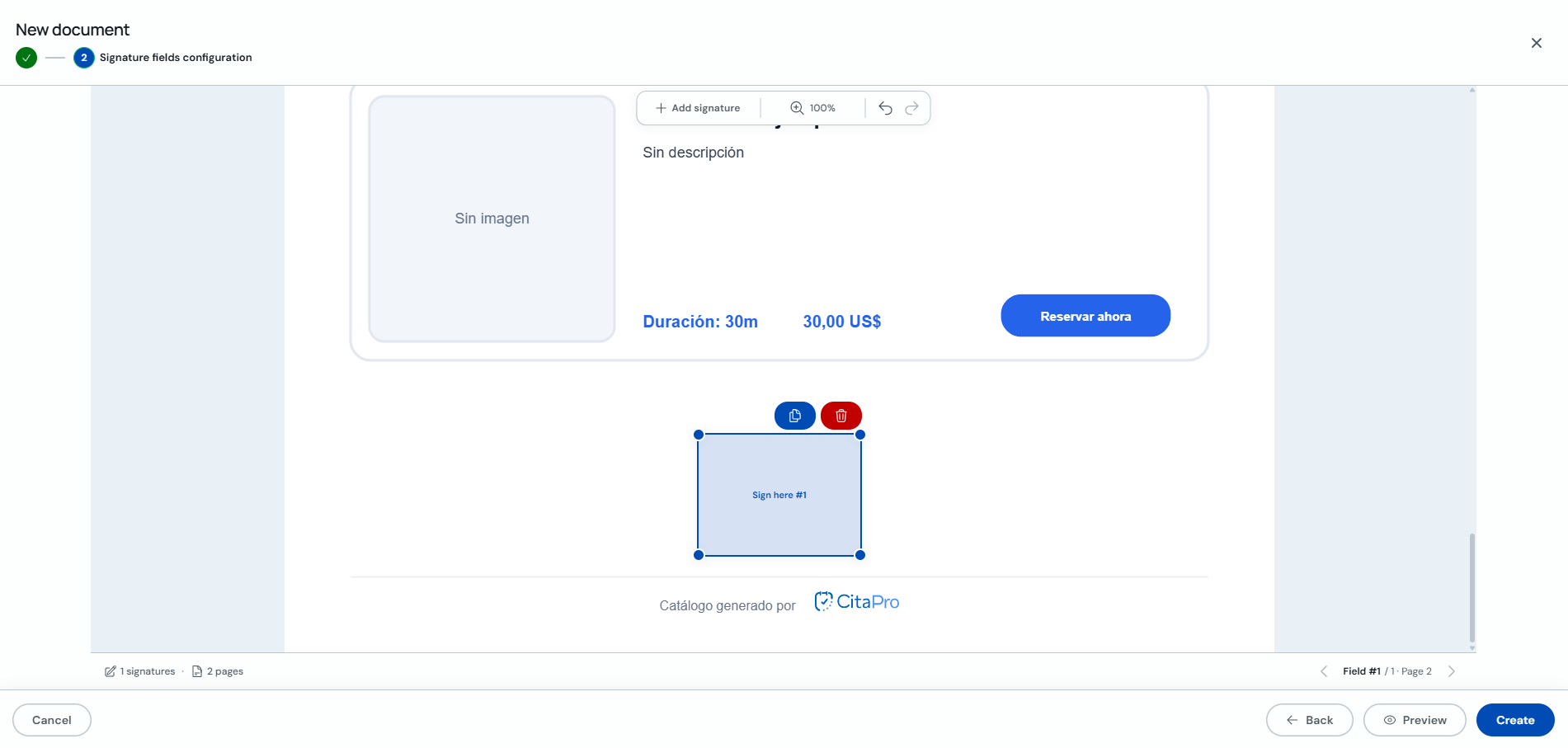
In "Signature field configuration", click "+ Add signature" and place signature boxes where needed. You can add as many signatures as you want.
-
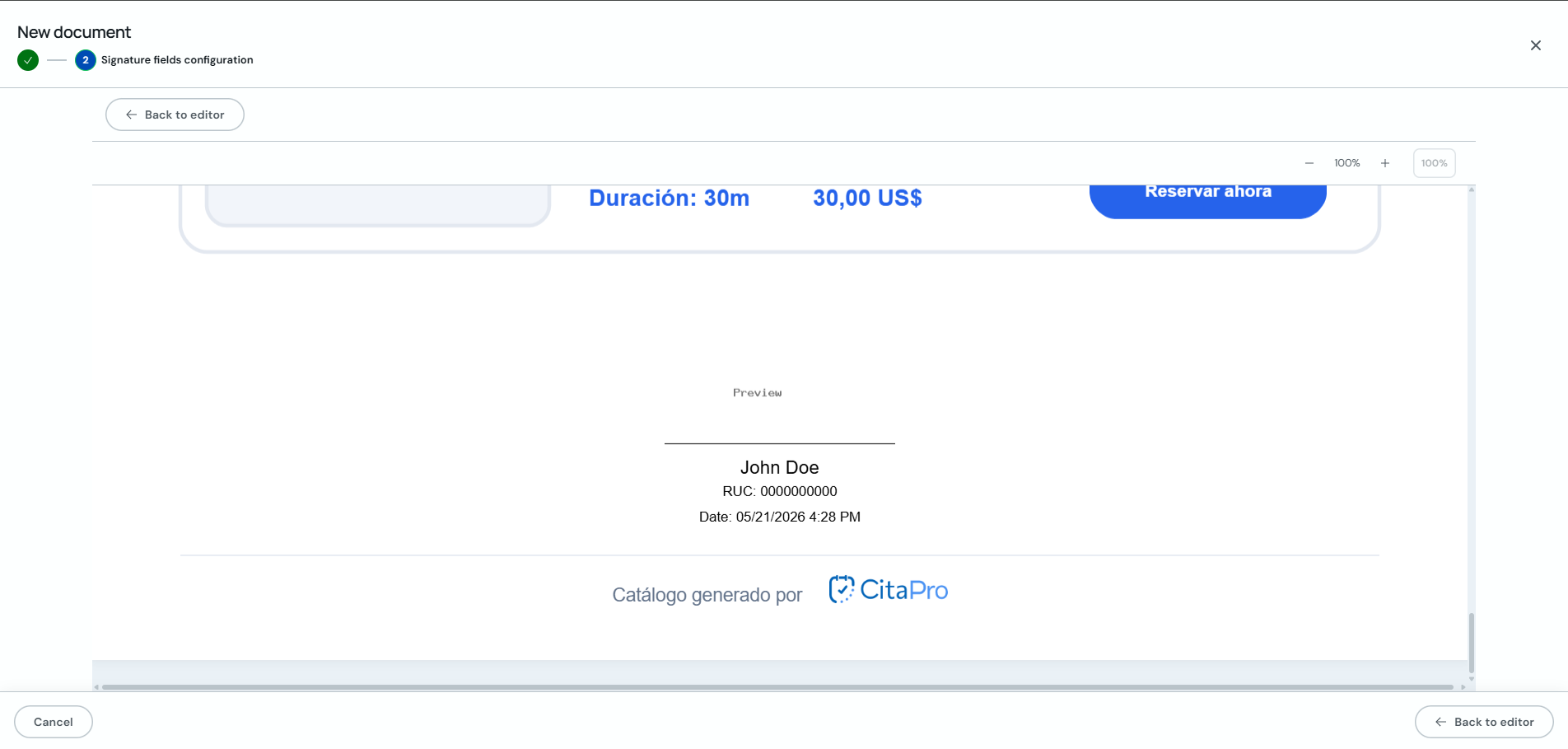
Click "Preview" to see how your client will view the document. If everything looks good, return to the editor and click "Create".
You can archive documents from the "Archived" tab when you no longer need them active.