

View a consent document
You can preview the PDF of any consent document before sending or editing it.
-
Go to Administration → Consents → Forms and find the document you want to view.
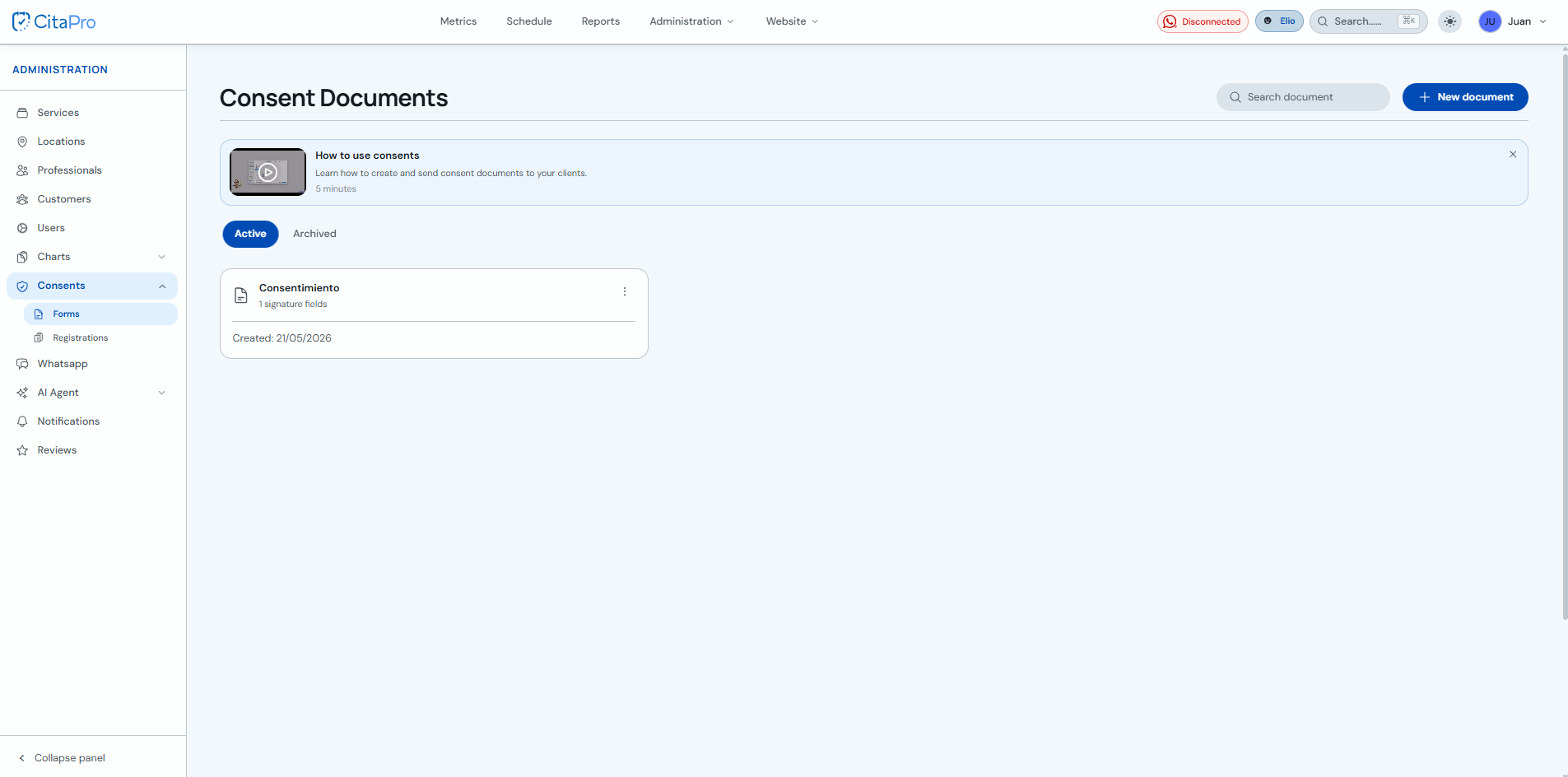
-
Open the document three-dot menu and click "View PDF".
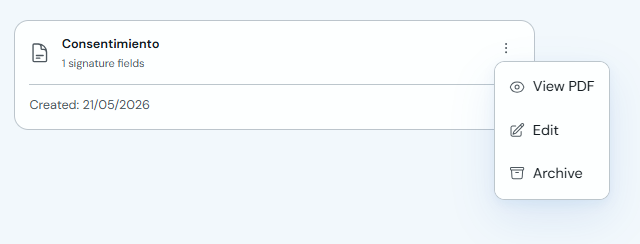
-
Review the document in the viewer. You can adjust the zoom or click "Download PDF" if needed.
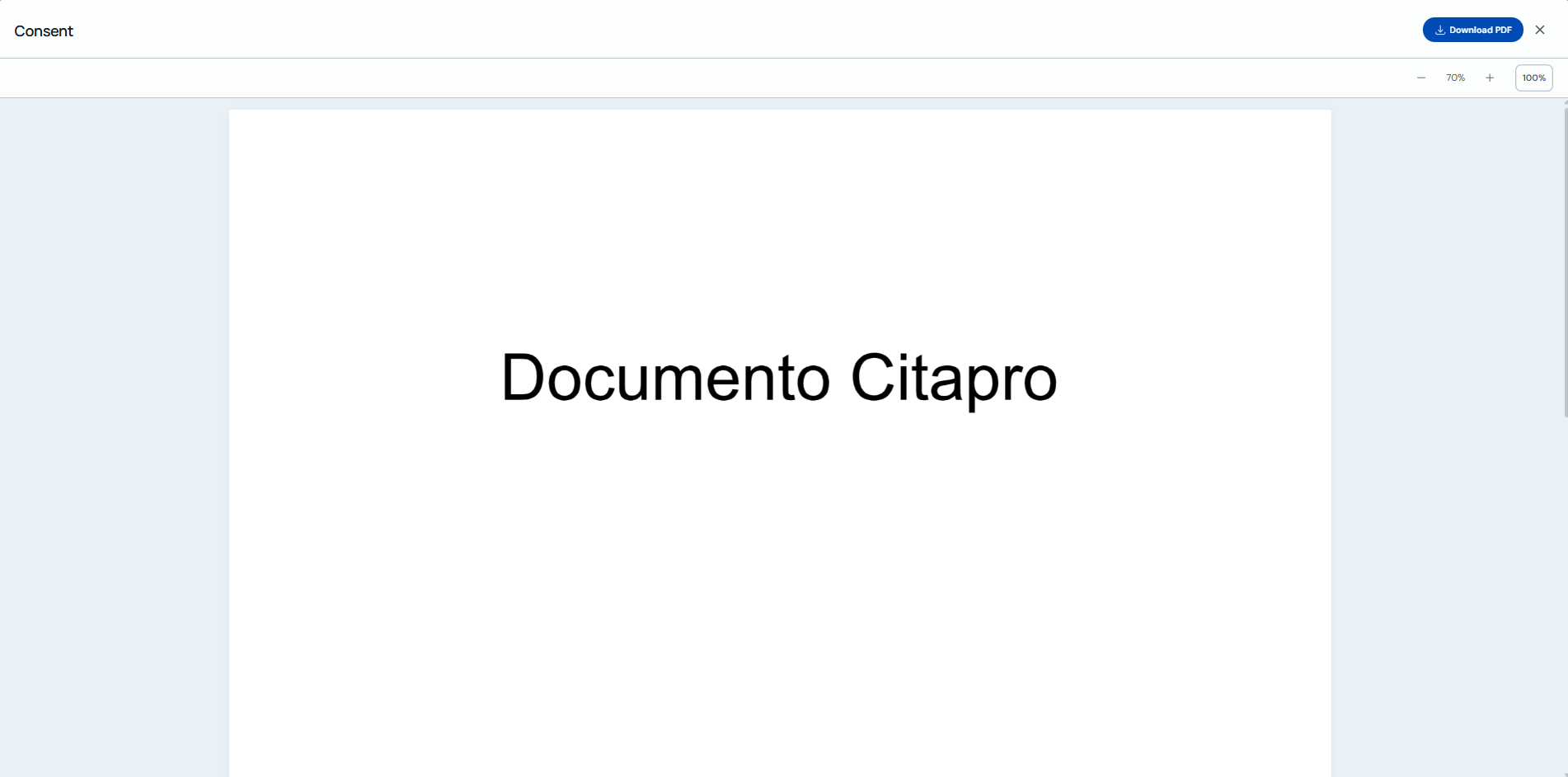
Use the preview to confirm the content and signature fields are correct before using the document with clients.