

Unarchive a consent document
You can reactivate a consent document you previously archived.
-
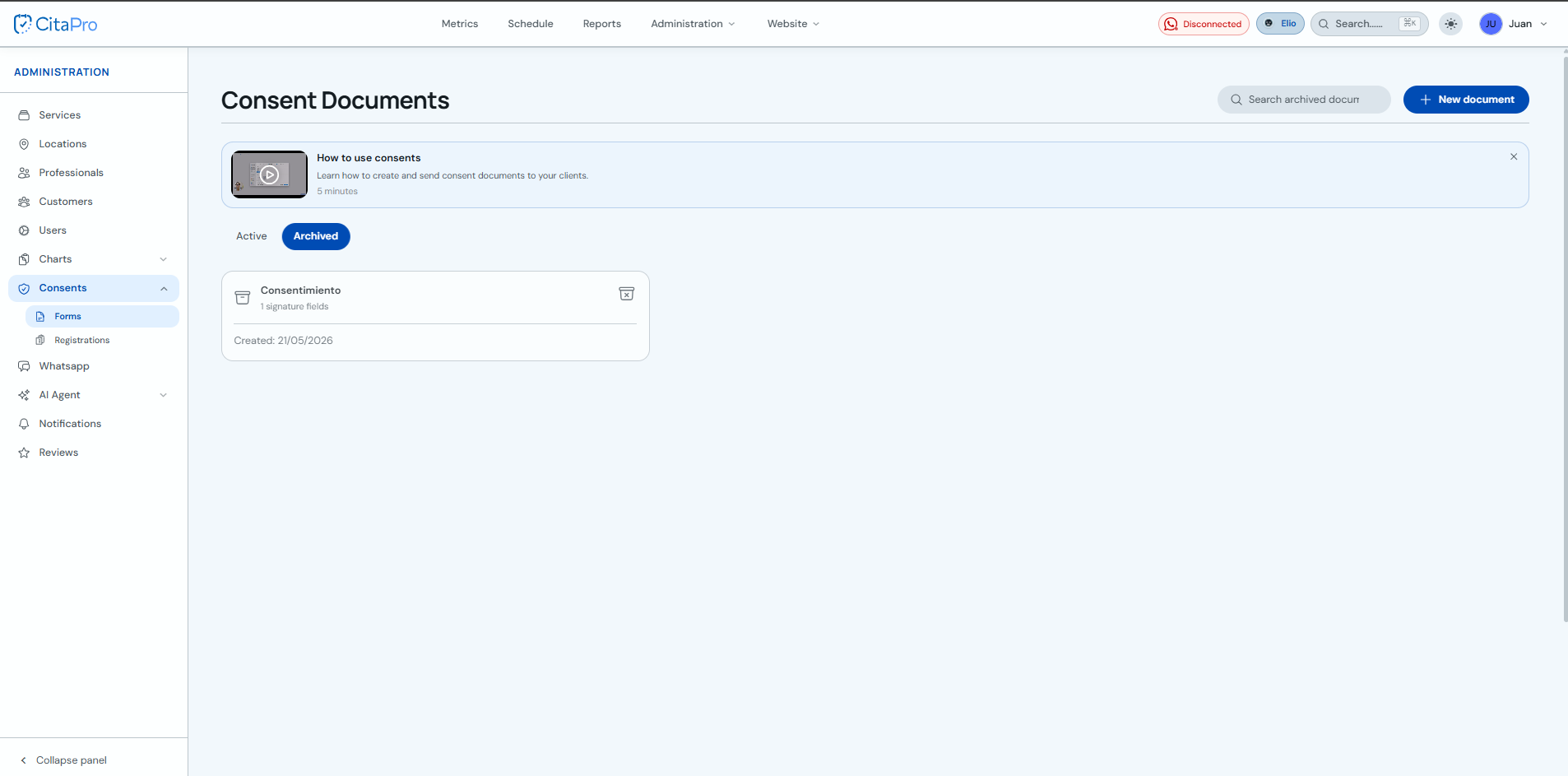
Go to Administration → Consents → Forms and select the "Archived" tab.
-
Click the unarchive icon on the document card to activate it again.
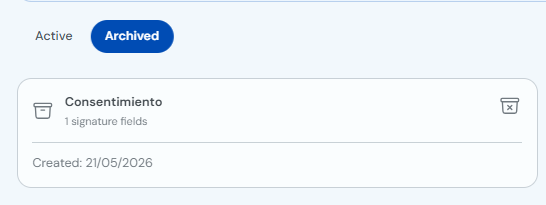
The document will appear again on the "Active" tab and you can use it with your clients again.