

Create an API Key
API Keys let you connect external systems to CitaPro securely.
-
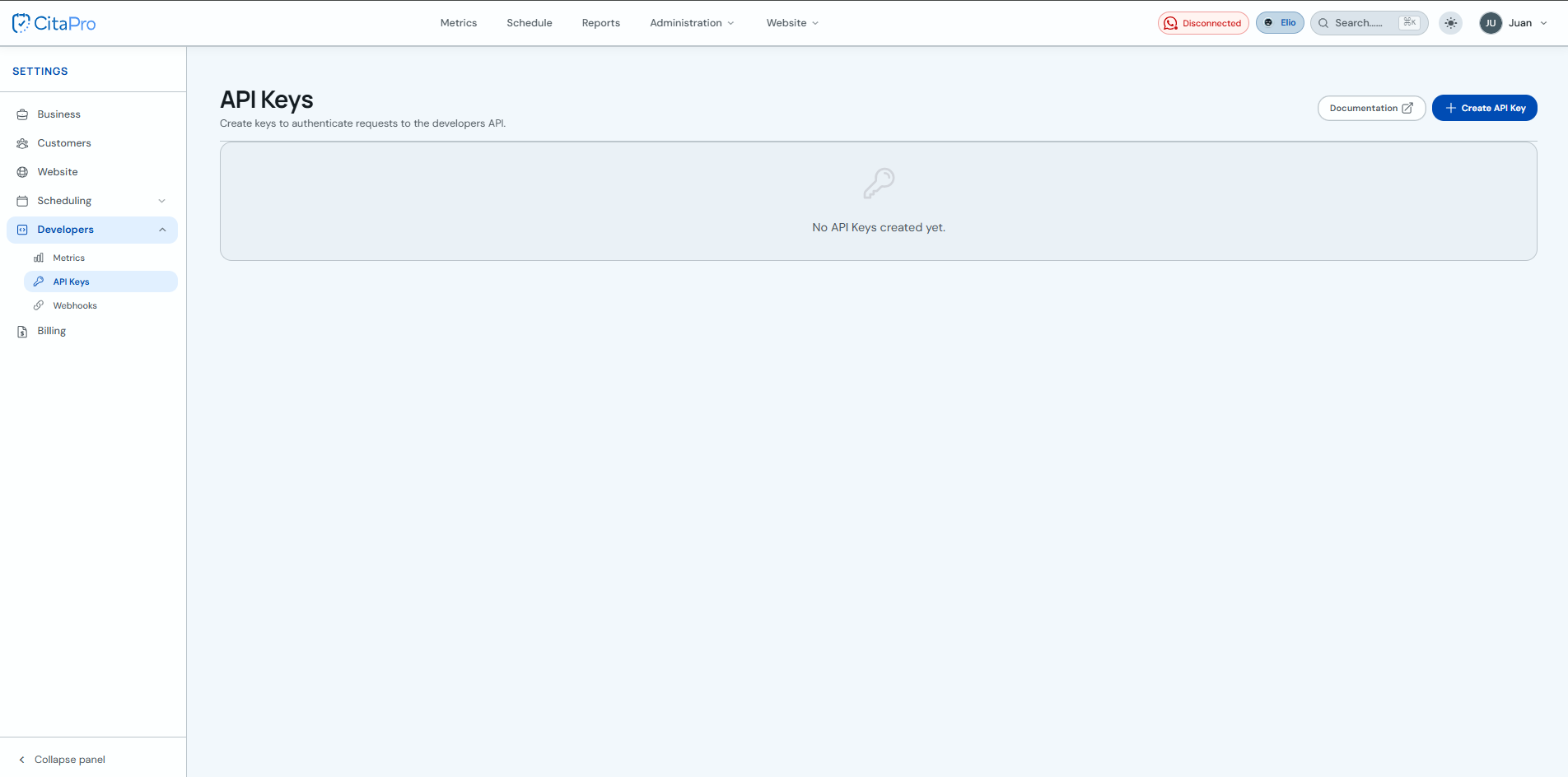
Go to Settings → Developers → API Keys. For more information, visit CitaPro Developers .
-
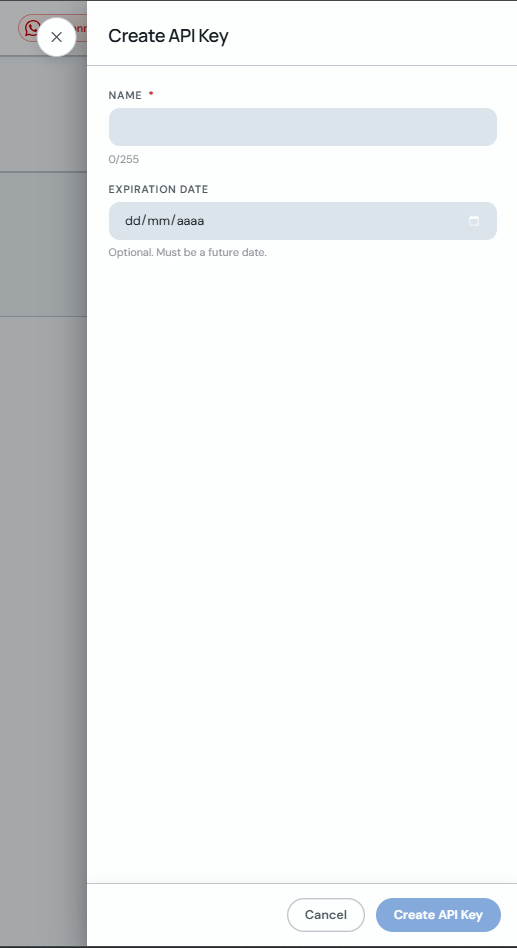
Click "+ Create API Key", enter a name and optionally an expiration date. Then click "Create API Key".
-
Copy the generated key with "Copy" and click "Close". The key will not be shown again. To integrate the API, see the documentation .
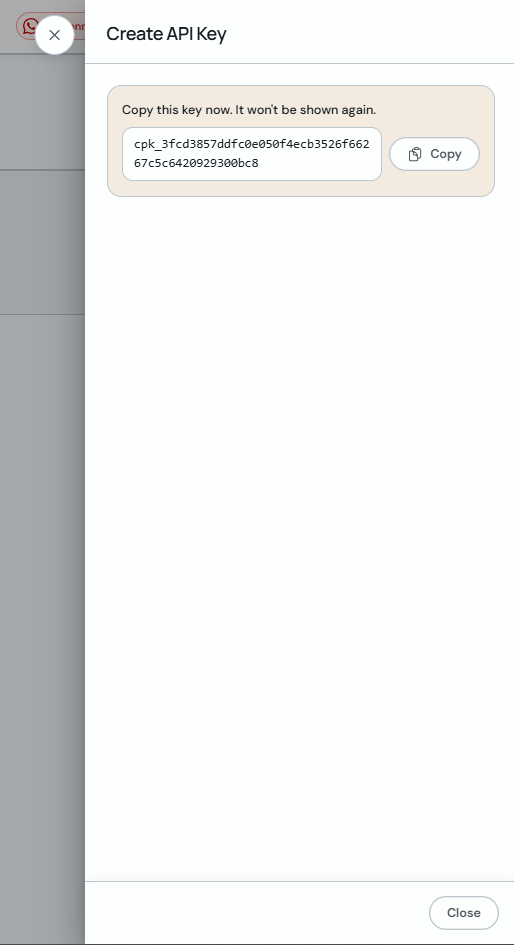
Store the key in a secure place. If you lose it, you will need to create a new API Key.