

Delete a webhook
You can remove a configured webhook when you no longer want to receive events at that URL.
-
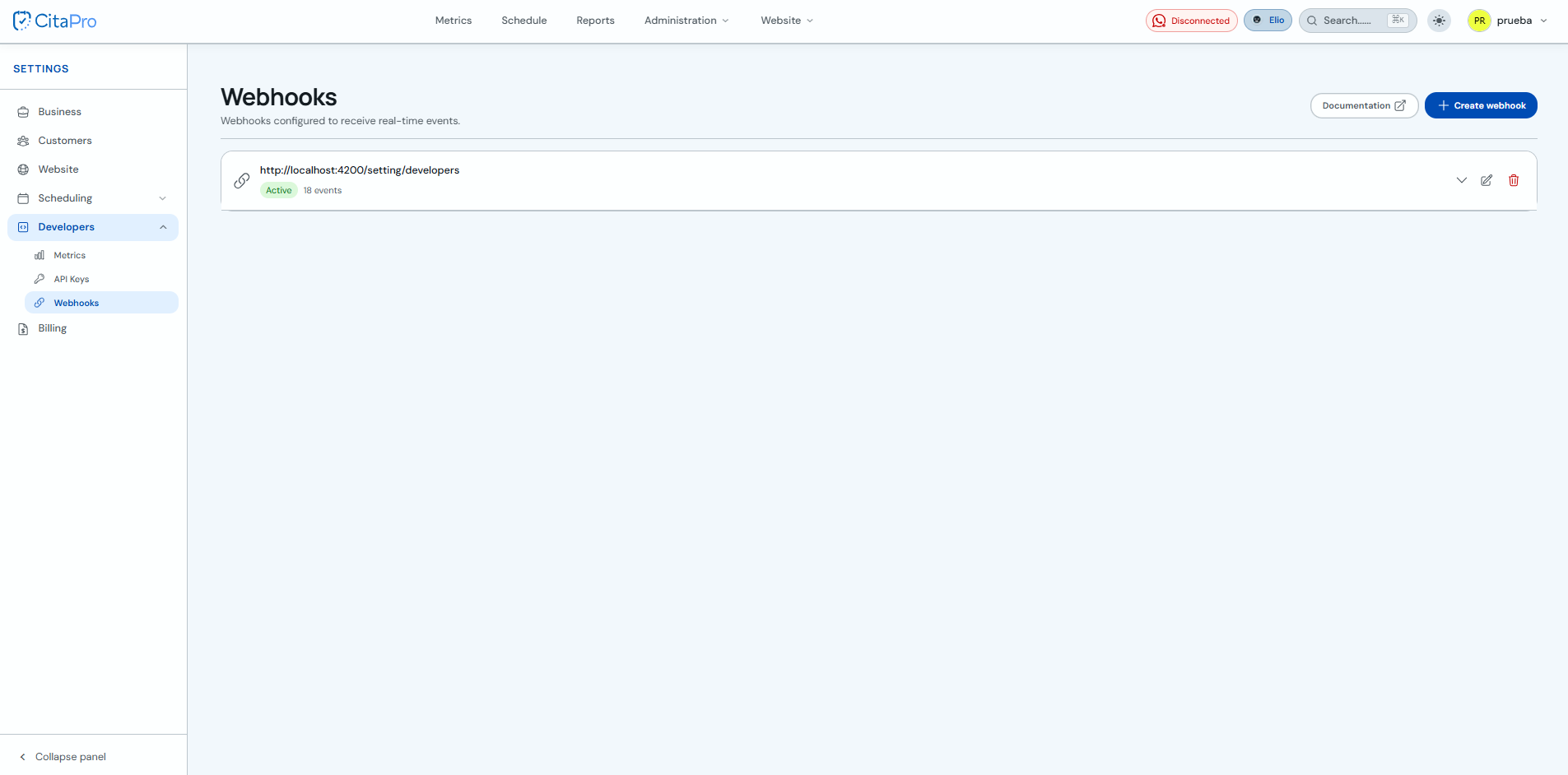
Go to Settings → Developers → Webhooks and find the webhook you want to delete.
-
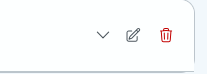
Click the trash icon (Delete) on the webhook.
-
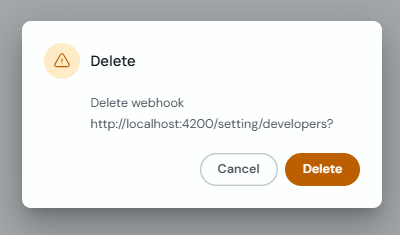
Confirm the action in the "Delete" prompt.
If you only want to pause it temporarily, edit the webhook and turn off "Active" instead of deleting it.