

Create a webhook
Webhooks let your system receive automatic notifications when events occur in CitaPro.
-
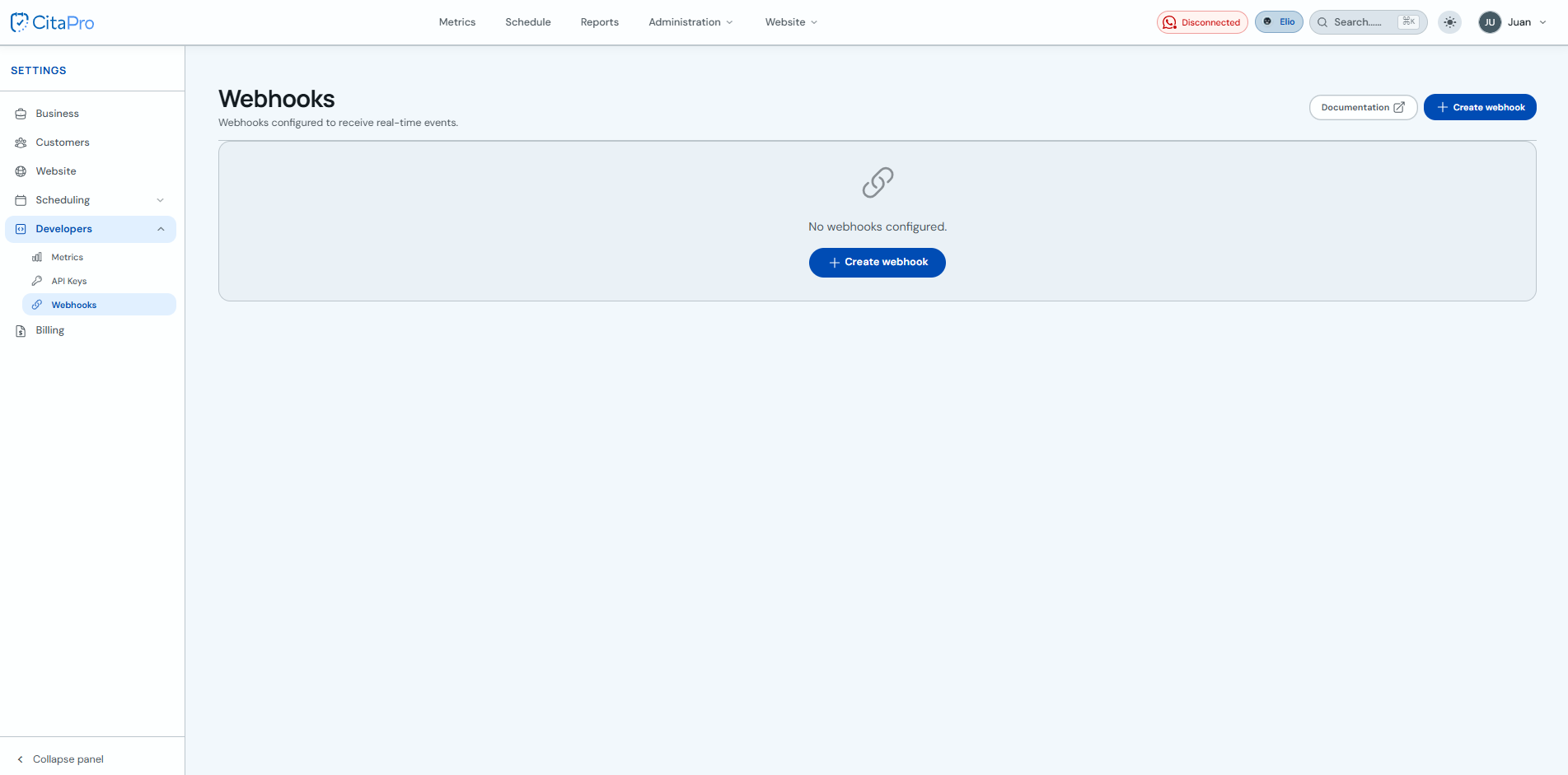
Go to Settings → Developers → Webhooks. For more information, visit CitaPro Developers .
-
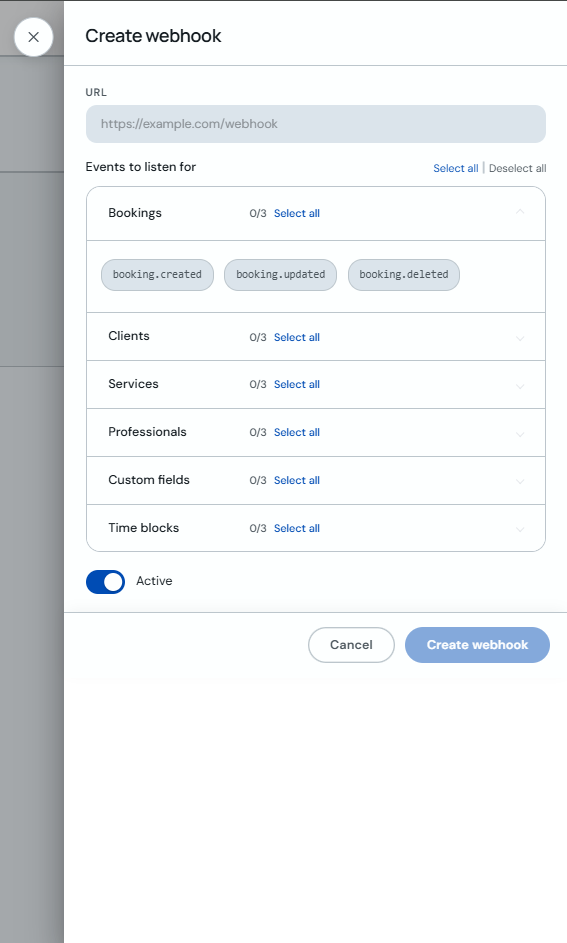
Click "+ Create webhook", enter the destination URL, select the events you want to listen to and keep "Active" enabled. Click "Create webhook". For more details on events and payloads, see the documentation .
Use an HTTPS URL accessible from the internet so CitaPro can deliver events correctly.