

Global search
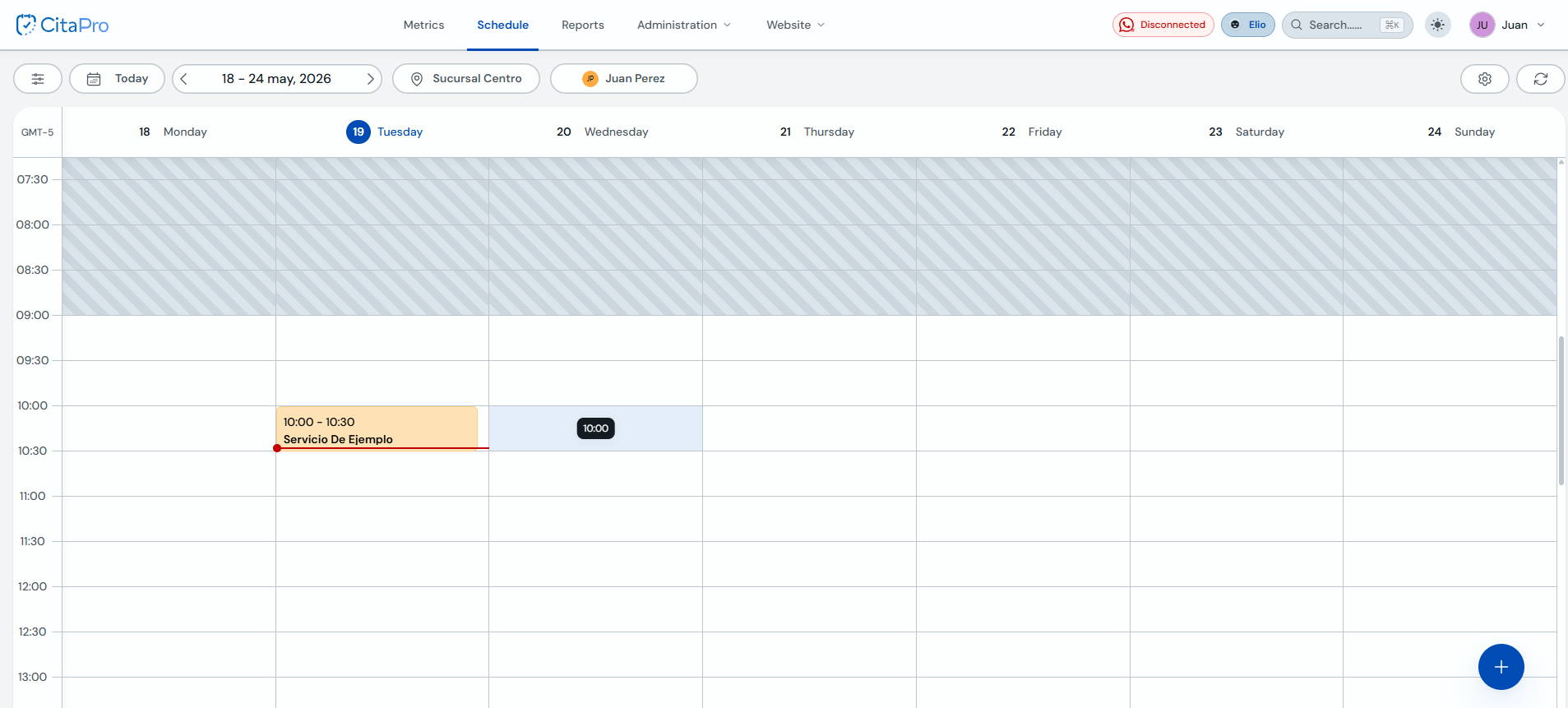
Global search lets you find clients and appointments without leaving your current screen. It is available in the CitaPro top bar.
-
In the top bar, find the "Search..." field. You can also open it with ⌘K on Mac or Ctrl+K on Windows.
-
Click the search field to open the global search panel.

-
Type the client's name, mobile phone or email. Check "Recent appointments" and "Recent clients" and click the result you need.
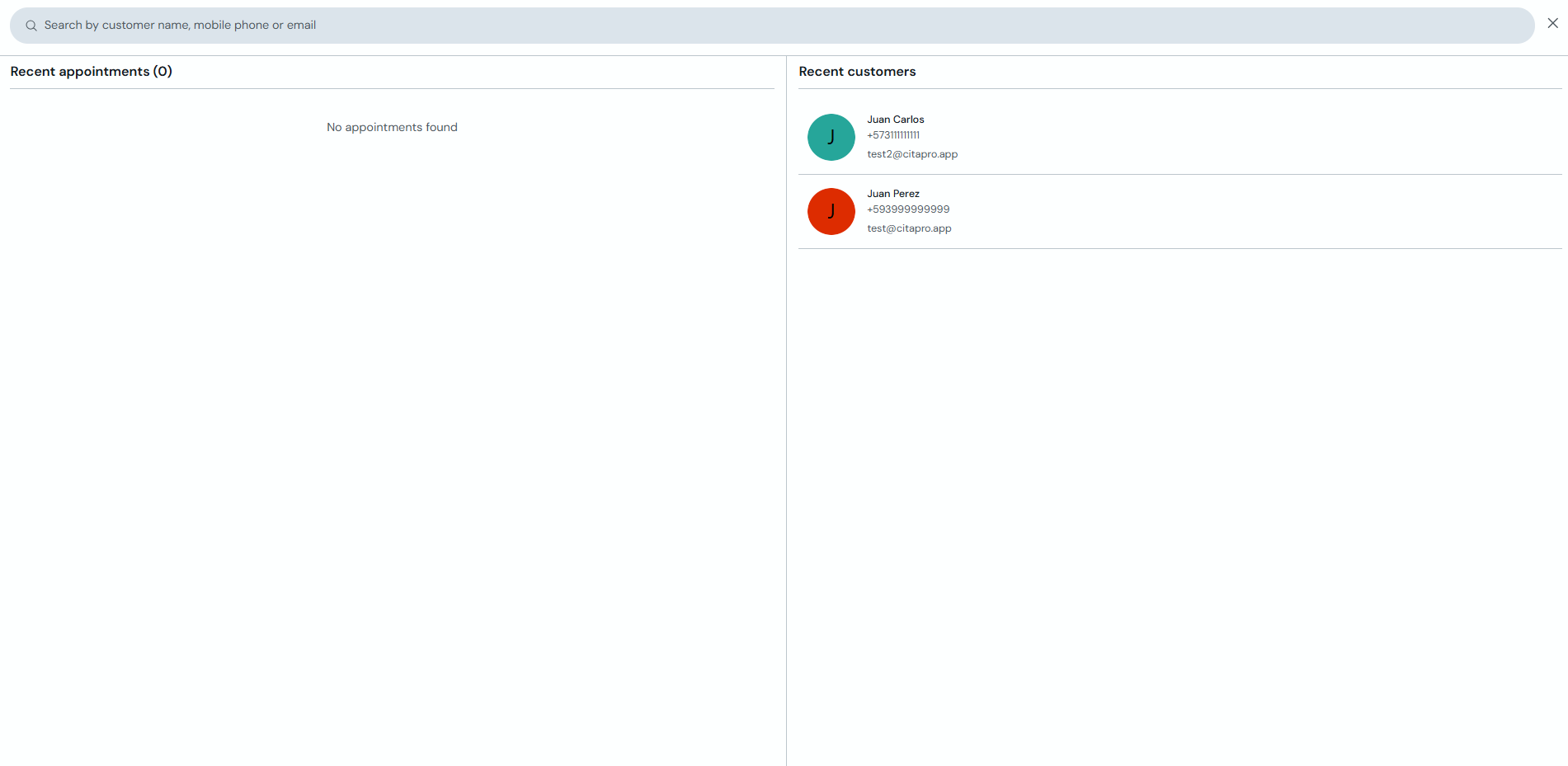
If no appointments show up, try searching by phone or email only. Use the X in the search bar to close the panel.