

How to view from Administration
-
Go to Administration → Fichas → Records.
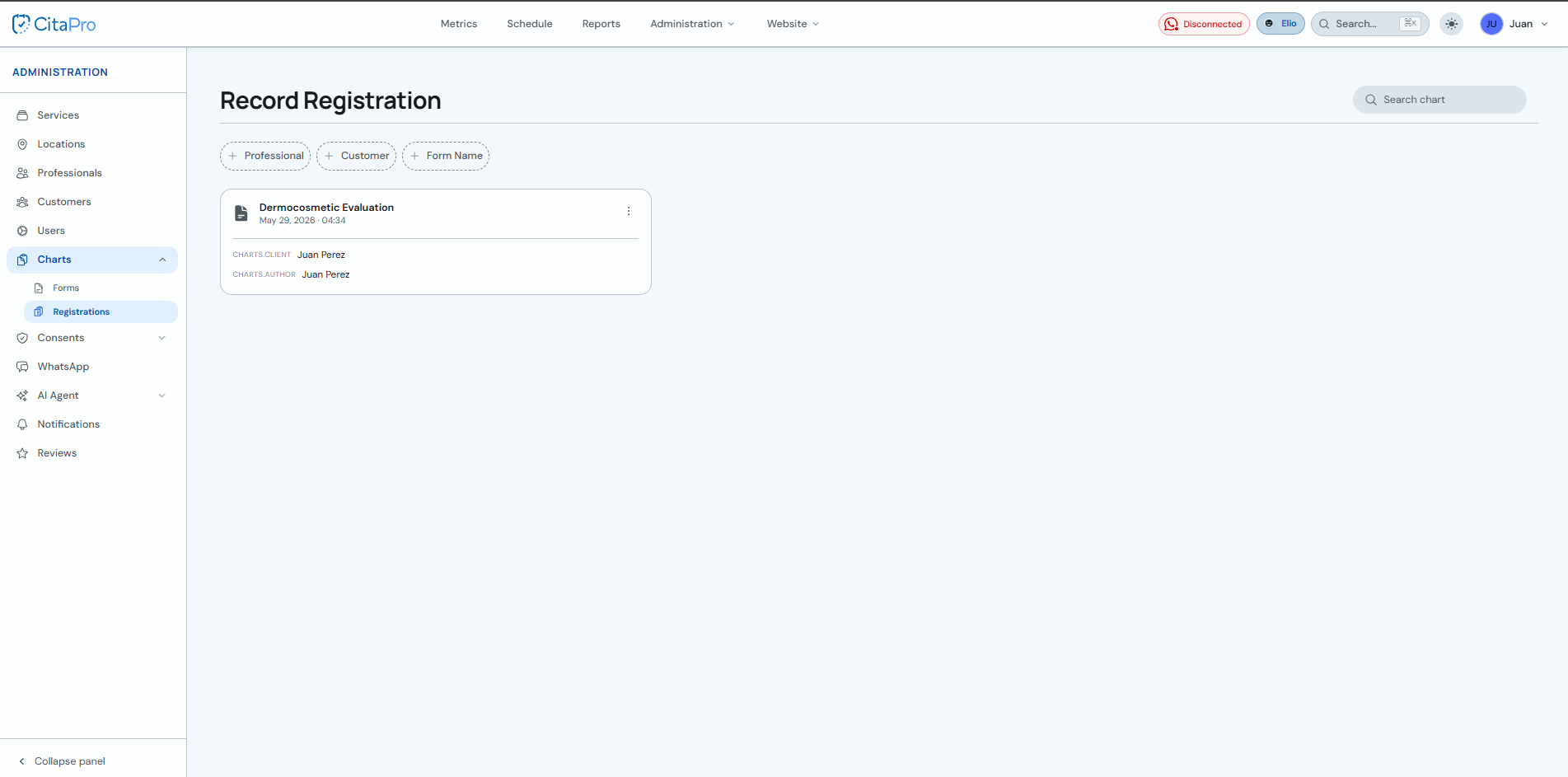
-
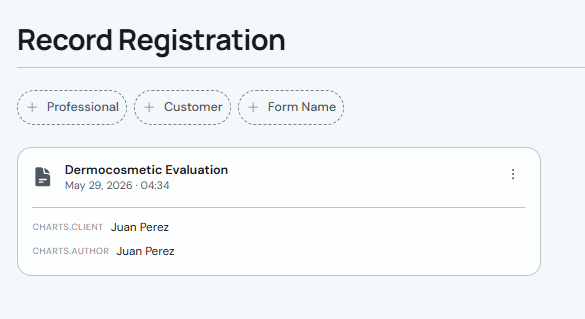
In "Form Records", find the saved record you want to view.
-
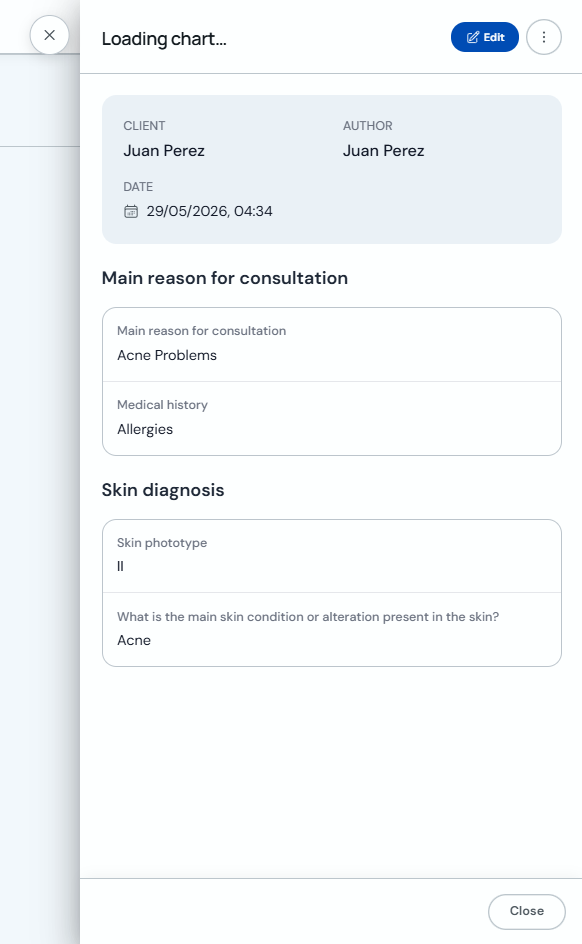
Click the record card to open its details.
-
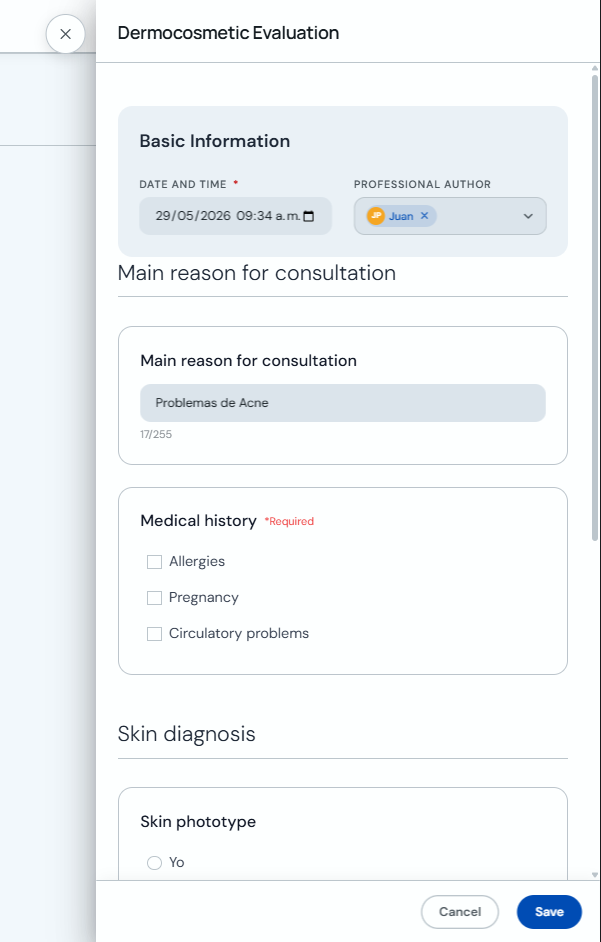
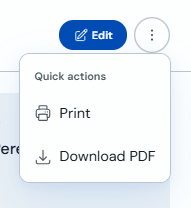
If you need to change data, click "Edit".
-
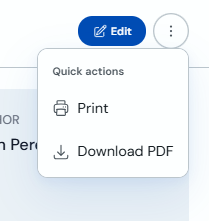
Open the three-dot menu and choose "Print" or "Download PDF".
How to view from the client profile
-
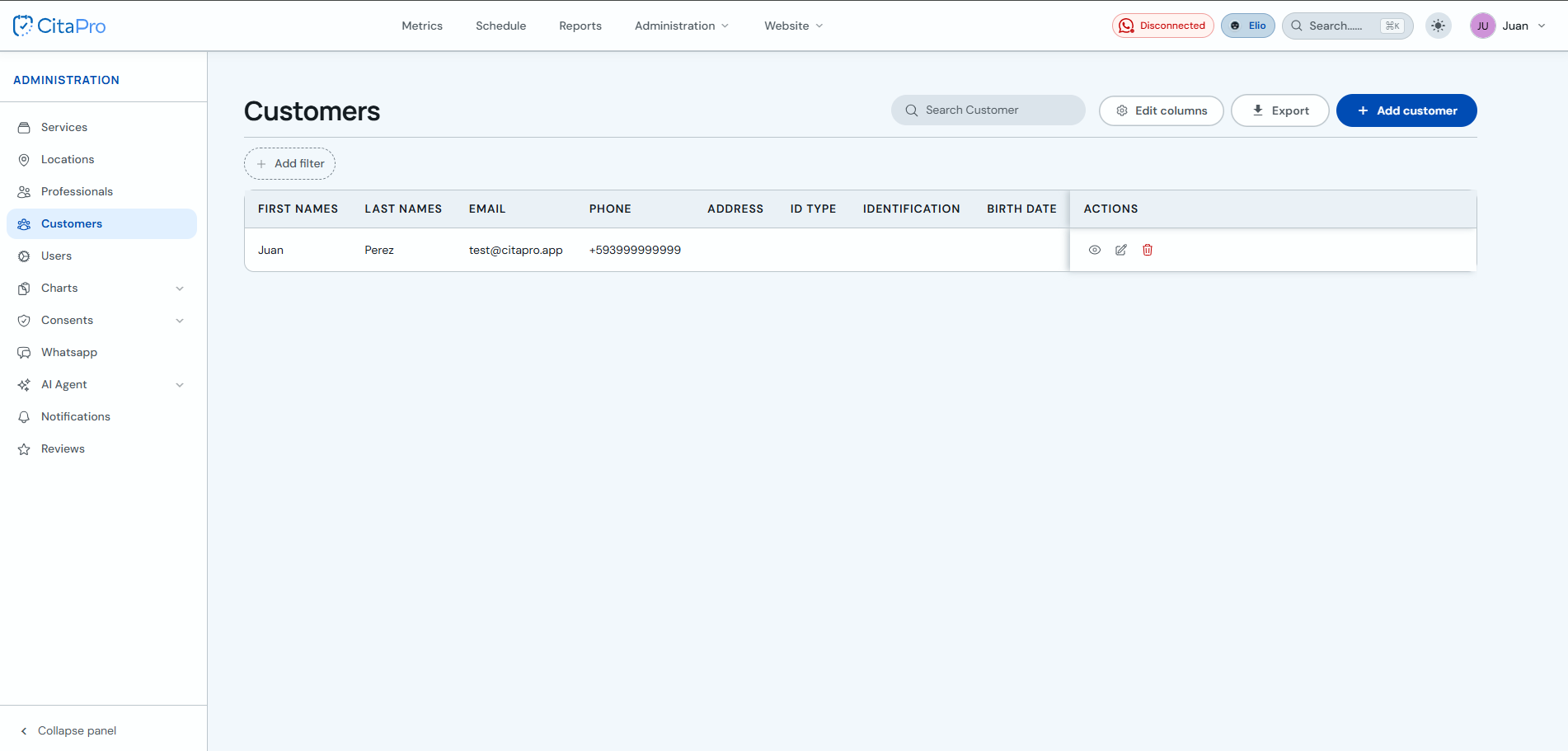
Go to Administration → Clients and open the client profile (eye icon in Actions).
-
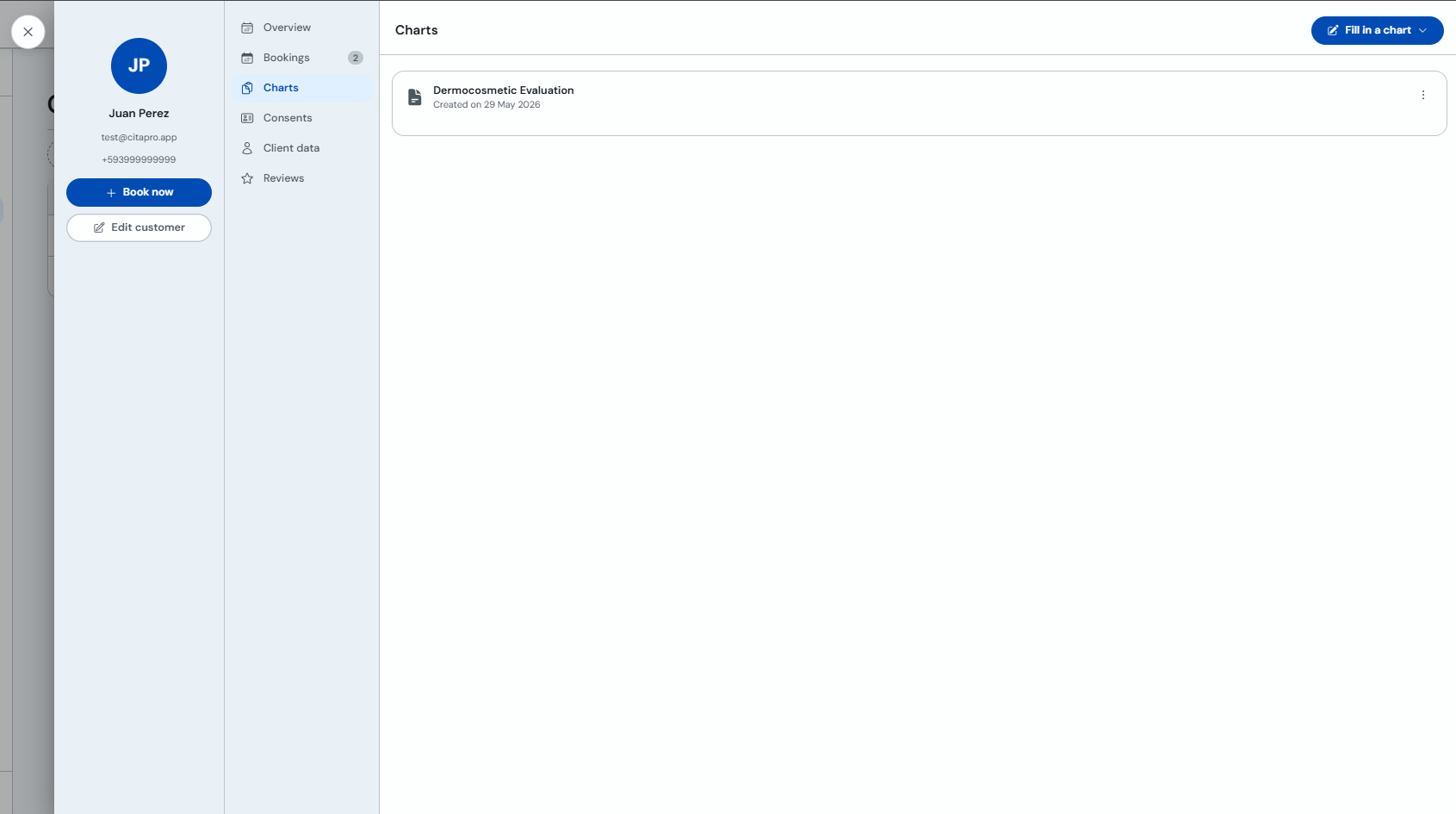
In the client profile, select the "Forms" tab to see saved records.
-
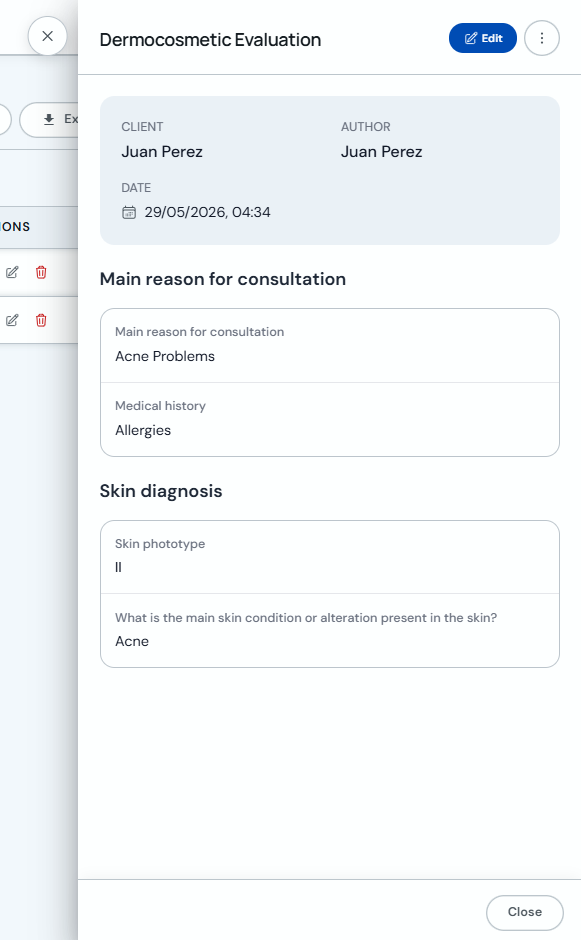
Click the record you want to view to open its details.
-
To make changes, click "Edit". You can also use the three-dot menu for "Print" or "Download PDF".
In the central registry, use the Professional, Client or Form name filters. From the client profile you will only see that person's forms.